
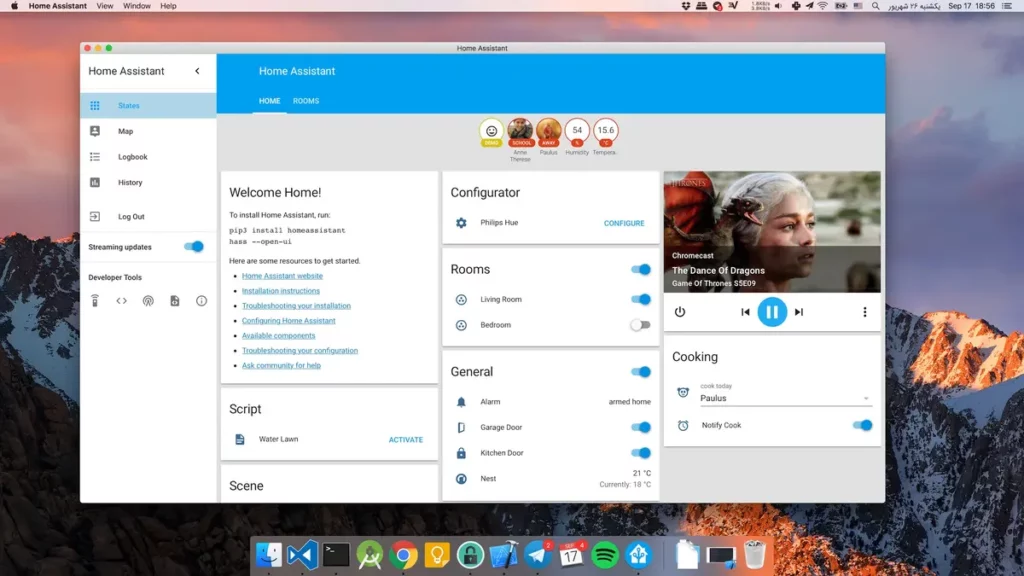
Home Assistant development team launched the new update for the operating system Home Assistant OS 17.0. You can install it into any platform with 64 bits processors. Older 32 bits processor models aren’t compatible. The new launch is very important because it includes significant improvements for all the platforms.
In case you use the new Home Assistant OS update directly on a physical hardware or a virtualized space, you will find performance improvements as well as system stability. In this article you can find all the information about the 64 bit exclusive update and the improvements it brings.
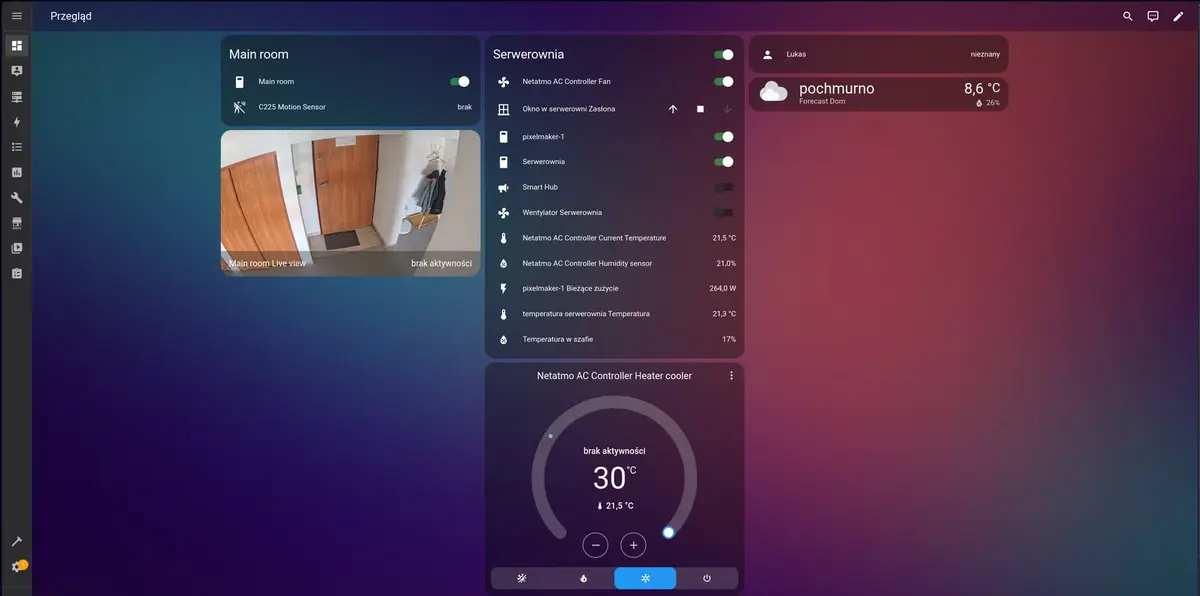
Main changes on Home Assistant OS update
Home Assistant OS 17.0 update is one of the most complete packages for the operating system. It affects every device where Home Assistant is present. You need to take into account that Home Assistant OS is the basis for your home automation system and it’s extremely important to update it regularly.
32 bits compatibility ends
The new Home Assistant OS version won’t be compatible with ARMv7 32 bits processors. You won’t be able to update the operating system in the following platforms:
- Raspberry Pi2/3/4 32 bits.
- ODROID-XU4.
- ASUS Tinker Board.
Users of these platforms won’t receive any more updates for Home Assistant OS but the devices will still run with the current version. The only way to get new updates is updating your platform to a 64 bits based one.
The main reason for ending 32 bits support is the technical limitation of this architecture. For example, developers can’t redirect more than 4 GB of RAM that are critical for new integrations. 32 bits processors are also incompatible with certain modern software libraries that make use of Artificial Intelligence.
Docker and containerd updates
Another change in this new version is the Linux kernel update, The 6.12.63 version for x86 64 bits systems as well as Home Assistant Green and other devices. Docker also updated to the 29.1.3 version and it makes use of containerd 2.2.0. New home Assistant OS update installations will use Docker containerd snapshotter by default to improve performance and stability of the operating system experience.
What is Docker containerd snapshotter?
The snapshotter is a component of containerd (the engine that runs Docker) to manage the different layers of system files of the containers you install. It’s a software solution to create, mount and combine the different layers when you run the operating system. It’s similar to a disk manager for the containers you install. Containerd uses overlayfs as file system, it’s faster and more efficient and Docker also uses it in most of the system.
If you want to update your snapshotter in the operating system to improve performance and stability you have to do it manually. Make sure you follow these steps before trying it:
- Make a complete backup copy of your Home Assistant. If you have a virtualized version make a snapshot in order to go back to it easily.
- Check your Internet connection to download all your containers again and install them. You won’t be able to do this if your Home Assistant version is isolated.
- Free up to 50% storage space before the migration, the new snapshotter requires a little more space.
- The migration will start after your operating system restart. It can take some more minutes to start.
Quick checklist for Docker containerd snapshooter migration
- Backup copy.
- 50% or 60% free storage space for the migration installation.
- HA Core version 2025.12 or higher.
- Stable and active Internet connection, preferably wired.
- 5 to 10 minutes for restart installation depending on the hardware.
There’s a possibility of errors because of add-ons or complements with obsolete dependences. Make sure you have all your add-ons updated before migrating. The command you have to execute from the Terminal in Home Assistant is the following:
ha docker migrate-storage-driver
You will immediately receive a message that the change has been made. When you restart the operating system the migration will start, not before. The system will take a few more minutes before restarting because all the rearrange of files.
- Main HAOS in QNAP NAS. The update and migration runs correctly.
- HAOS in TrueNAS Scale. Update and migration runs correctly. After 2 hours it may restart abruptly but then it runs correctly according to tests.
- HAOS in VMware Workstation in Windows 11 Pro. Update and migration running correctly.
Taking these three examples, it’s recommendable to have a security backup as well as a virtual machine snapshot if certain issues appear. The Home Assistant OS update promises better performance and reliability, but there can always be problems.
Other changes in Home Assistant OS update
Home Assistant OS team also introduced new changes to improve user experience. First of all, you can manually set your keyboard using “localectl”. It makes it easier for keyboard settings that are not from the United States. They have also updated all the internal software to the latest versions in order to prevent and fix bugs.
Development team recommends to update as soon as possible, but make sure you have a compatible platform. It’s a very necessary update because older architecture is not efficient anymore. The Docker update will also bring a better general operating system performance that makes user experience better.
The evolution of Home Assistant keeps growing. The Core and base OS add new features and you can improve your home automation routines. If you can install the Home Assistant OS update installation you will be able to install add-ons directly and you won’t need separate containers in a virtualized session.
What to do if my device is not compatible?
In case your hardware doesn’t support Home Assistant OS update, you won’t receive any more updates but you can still run it with your latest version.
How to improve performance after the update?
Run the Docker containerd snapshotter command to improve stability and performance for your devices.
Is it mandatory to execute the Docker migration command?
No, it’s not mandatory for the operating system update to run. But you can benefit from several improvements if you do it thanks to overlayfs based snapshotter.
Technical keys for the Home Assistant OS 17.0 version
It updates Linux kernel to 6.12.63 and Docker to 29.1.3 using containerd 2.2.0 for a better container management process.