
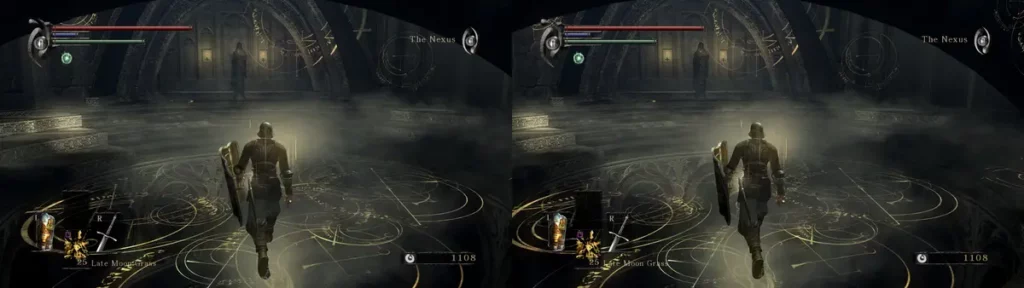
There are several emulators in the market to run your favorite videogames for older consoles. Although new devices such as PS5 also have emulators on development, the previous generations are easier to emulate. That’s why you can now enjoy almost the full catalog of PS3 thanks to the RPCS3 emulator on your PC.
RPCS3 is the best PS3 emulator you can download, compatible with the 70% of the Sony PlayStation 3 catalog of videogames. If you are a videogame enthusiast, you shouldn’t lose the opportunity of playing your favorite PS3 games on PC whenever you want.
RPCS3 emulator and the full PS3 catalog compatible
The RPCS3 support for the PS3 catalog is always growing. According to the official website the latest version allows running 7 of 10 games of Sony PlayStation 3 in your PC. Exploring RPCS3 website you can check the compatibility of every title thanks to a colored based label system.
The green label represents Playable games and it’s on 70,94% of the PS3 catalog. You can start and finish those titles in a stable performance level. You won’t experience any problem in the middle of your session.
The Ingame label represents 26,19% of the PS3 catalog and it’s for games than run correctly but somewhere they crash or become unplayable. Thanks to the RPCS3 emulator community the catalog of Ingame titles is reducing.
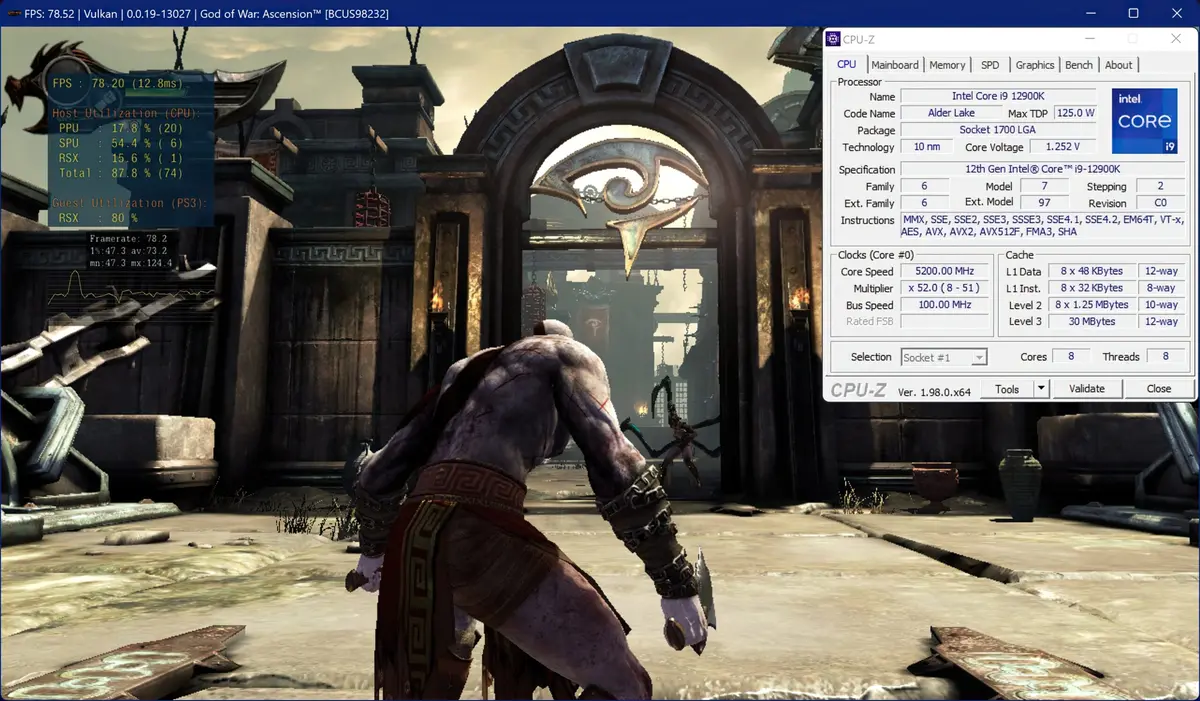
The new processors and graphic cards also help to reduce Ingame titles. Most of the PS3 titles are now playable and probably will get near the 100% in the following years. Recent emulator updates include revised backend Vulkan, depth buffer management and more efficient shader pipeline. A lot of titles now run with a high FPS rate.
If you want to know RPCS3 compatibility list just enter the following link. From 3562 titles, 2527 are in Playable while 933 are Ingame and the rest include Intro and Loadable. Intro games load but can’t show menus. Loadable games show a black screen. You can also know details about compatibility by selecting the title. Remember that you can’t download the games in RPCS3 website.
RPCS3 requisites
If you want to run PS3 catalog in the RPCS3 emulator you need to have the minimum requisites from the software developers. A 6 core and 12 threads Zen 3 or Cornet Lake processor. In terms of RAM memory the minimum requirement is 16 GB double channel. For GPU you should have a RX 5000 or higher for AMD RDNA architecture or RTX 20 or higher with Turing architecture. Intel GPU are not compatible with the software right at the moment.
- CPU (Intel) – Any CPU x86 64 with SSSE3 support. 6 cores, 12 threads or higher.
- CPU (AMD) – Any CPU x86 64 with SSE3 support. 6 cores, 12 threads or higher.
- GPU (NVIDIA) GeForce 4000 series or higher (OpenGL 4.3) – GeForce 900 series or higher (Vulkan).
- GPU (AMD) Radeon HD 5000 series or higher. – Radeon RX 400 series or higher.
- RAM. 8 GB – 16 GB Dual Channel.
- Storage. HDD – SSD for emulator and caches.
Running the PS3 catalog on RPCS3 emulator with lesser hardware settings will drastically reduce the performance. It may even turn games unplayable.
What is RPCS3?
RPCS3 is a free open source PS3 emulator. It allows you to run PlayStation 3 games on your computer with Windows, Linux or macOS operating system.
What is a Playable game in RPCS3?
A title with the Playable label can be completed from start to end with an acceptable performance and stability level. There are no fatal errors that prevent you for finishing the game.
How many PS3 games are currently Playable on RPCS3 emulator?
According to the latest update, 70,94% of the PS3 catalog is Playable. There are more than 2500 titles you can finish in your RPCS3.
Recommended requisites for the emulator
A 6 cores and 12 threads processor AMD Zen 3 or Intel Comet Lake or higher, 16 GB RAM in Double Channel and a AMD RX 5000 or NVIDIA RTX 20 graphic card or higher for the best experience.
Can you download games from RPS3 website?
No. The RPCS3 website only gives you access to the emulator but they don’t distribute games. You need to have a legal copy of the title you want to emulate.