
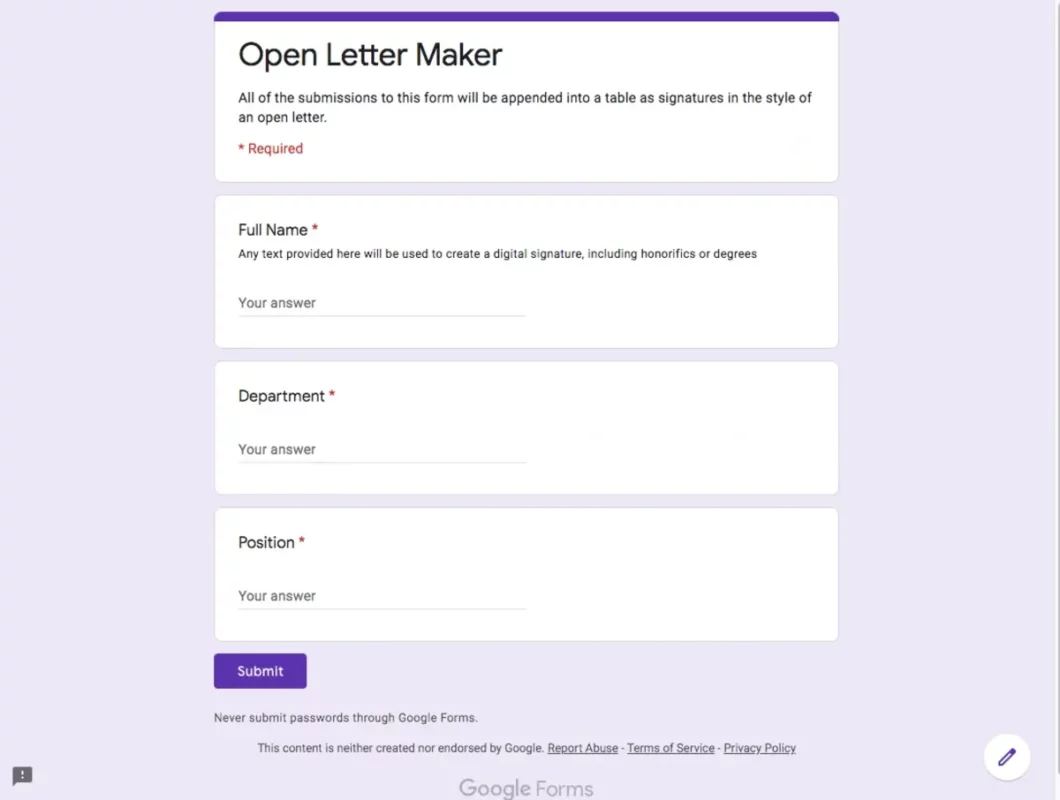
Google forms are very popular. You probably have filled one sometime. You can create Google forms in order to get all kind of useful information from the users. But they are also an interesting tool to determine the date for a meeting with your group of friends or inviting people to your birthday.
In case you need to create your own Google forms, this article explains how to step by step. Now you can start creating forms in Google to obtain all kinds of information or only to make it easier to organize your daily events.

Create your Google forms easily
First you need to enter the following link: https://forms.google.com/. In order to create forms in Google you have to log in with your Google account. Then you only need to click on the + button with the Blank form label.
Write question and the possible answers for the user to choose by clicking on the template. There are different alternatives for open or close questions, multiple answers and more. To add new questions, just click on the + button on your right and repeat.
If you put the cursor above Multiple choice you will open a sliding menu with different options. You can use verification boxes or a star calcification system for the answers. Once you have finished your form, click on Publish on the upper right corner and you have to define which users can answer it.
Users of Google corporative accounts can make forms only for other accounts linked to the corporation, but you can also set your form to be answerd for certain people or everyone who has the link. All these options are available from the Manage button after publishing the form.
How can you see the answers to your form?
The answers to your form can be seen from the main screen. There’s a label called Answers on the upper middle of the screen. Google shows you the answers as well as graphic information and you can also export it to spreadsheets.
Remember that you can use some of the templates of Google forms. They are all customizable and you can select birthday, event’s assistance and job application, among others.
Do you have any questions or problems related to the topic of the article? We want to help you.
Leave a comment with your problem or question. We read and respond to all comments, although sometimes it may take a while due to the volume we receive. Additionally, if your question inspires the writing of an article, we will notify you by email when we publish it.
*We moderate comments to avoid spam.
Thank you for enrich our community with your participation!