
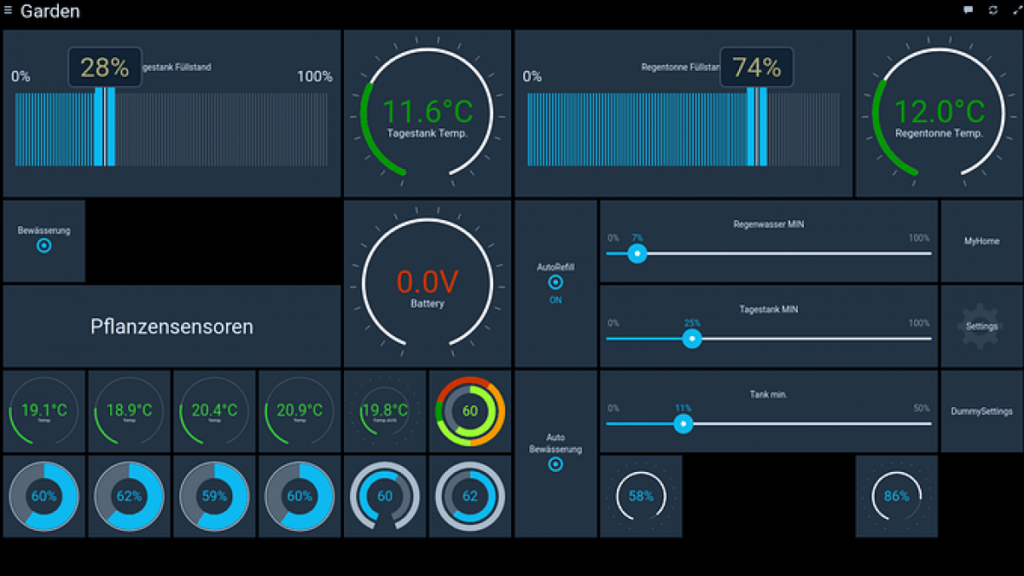
The Raspberry Pi is a great device to perform all kinds of daily tasks. You can use it as a low-end PC or turn it into a multimedia center or a NAS server. In fact, it can be used to control all your home automation devices through a simple setting.
The possibility of controlling Smart devices at home with the Smartphone is interesting, but you need to keep your mobile phone with you at all times. Now you can set a Raspberry Pi and control every home automation device with just few settings.
Raspberry Pi home automation settings
First you need a screen to connect your Raspberry Pi to in order to set home automation configuration. You should use touch screen model so you won’t need keyboard and mouse for interaction with the Raspberry Pi.
Hardware needs
Screen resolution is not that important to control home automation devices. With a 1024×600 screen you are ready to go. For example, you can easily find 7 inches IPS touch screens with speakers. There are lots of different models compatible with a Raspberry Pi 4 or 5. You can also use it with another HDMI output device if needed.
Software requirements
Once you have mounted the touch screen with the Raspberry Pi, or in case you use a PC monitor, mouse and keyboard, you have to install certain software solutions to start controlling your Smart House. The most important apps for home automation control from a Raspberry Pi include:
Home Assistant
Very well known software you can use to manage all home automation devices from your house. It has a great community of users that are always improving and helping all around the world. Home Assistant is compatible with the most popular protocols like Philips Hue, Zigbee or Z-Wave.
Another excellent option for low-end devices. You can use it with Philips Hue, Zigbee and Z-Wave as well as other protocols. Create your own rules, scenarios and routines for home automation. You can manage through the web all kinds of third party apps and devices.
OpenHAB
The last alternative is OpenHAB. It is very complete but the interface is not that intuitive. You should use it if you already have experience setting home automation control apps or devices with a Raspberry Pi.
Do you have any questions or problems related to the topic of the article? We want to help you.
Leave a comment with your problem or question. We read and respond to all comments, although sometimes it may take a while due to the volume we receive. Additionally, if your question inspires the writing of an article, we will notify you by email when we publish it.
*We moderate comments to avoid spam.
Thank you for enrich our community with your participation!