
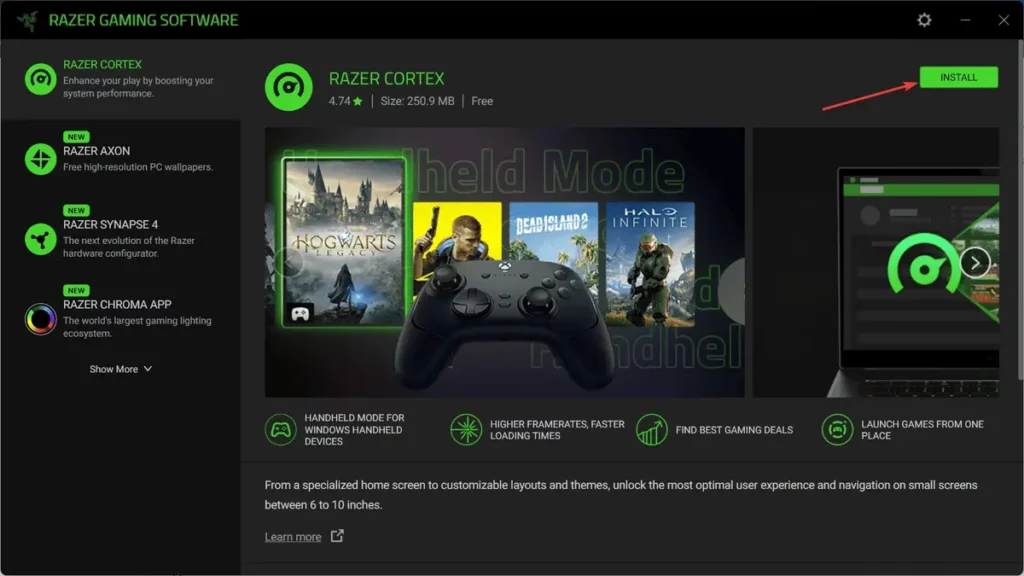
There are several apps to add different features for your PC or mobile phone. Recently, Razer company designed an app to play any PC game directly on your phone. The app uses the PC to broadcast the content to your Smart phone in order to enjoy an excellent videogame experience.
Lots of gamers want to play their favorite PC titles in a mobile phone. A Smart phone is lighter and more comfortable device for you to enjoy videogames anywhere. You can now turn your phone into portable console with PC videogames thanks to Razer app. The main goal of the ap is to make the most out of your PC features but playing remotely thanks to the Remote Play app.
Razer app, easy to set and extremely fast
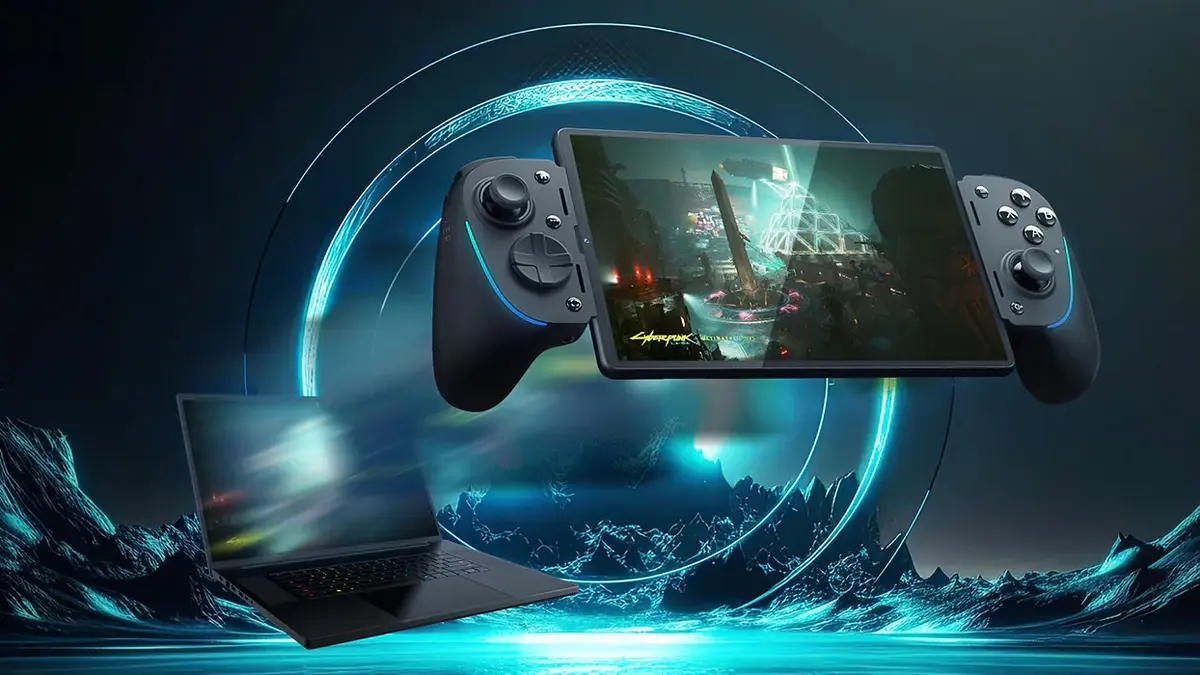
Remote Play from Razer app development team is asoftware that works similarly to TeamViewer, Parsec or Chrome Remote Desktop. The difference is that you can use it specifically to control your PC for videogames from a iOS 18 or Android 12 phone or higher.
The way to use it is extremely easy. Just follow these steps to start enjoying your favorite PC videograms in your phone with Razor app.
- Download Razer Cortex for Windows, Android or iOS.
- Download the Remote Play software for Android and iOS.
- Once you have the app installed, log in with your Razer account and use the settings menu to customize the app experience.
- Open Razer Cortex in the PC you want to use as a Host.
- Go to the upper right menu for the main options and click on the three dots button.
- Select Remote Play from the slide menu.
- Choose the broadcast option and select Store Remote Game.
Change different aspects such as the name of the device and the coders
- Connect your PC to the mobile phone
- Open Razer Cortex and log in to synch it faster.
- Select Remote Play and you will see the PC connected to the same Internet network.
- Complete the data verification for the first time.
Now you can already start playing your PC videogames directly from the Smart phone. Use the processing power from your PC and enjoy the best gaming experience in a comfortable and portable mobile device. The latest configuration involves the portable mode for a more simpler and faster user interface in your Smart phone.
- Once everything is connected, open Razer Cortex in your computer from the mobile phone.
- Click on your account and select Portable mode in the sliding menu.
This mode automatically detects every game you have and it can give you the easiest interface depending on the type of game. You will be able to enjoy your PC games controlling them directly from the phone.
Do you have any questions or problems related to the topic of the article? We want to help you.
Leave a comment with your problem or question. We read and respond to all comments, although sometimes it may take a while due to the volume we receive. Additionally, if your question inspires the writing of an article, we will notify you by email when we publish it.
*We moderate comments to avoid spam.
Thank you for enrich our community with your participation!