
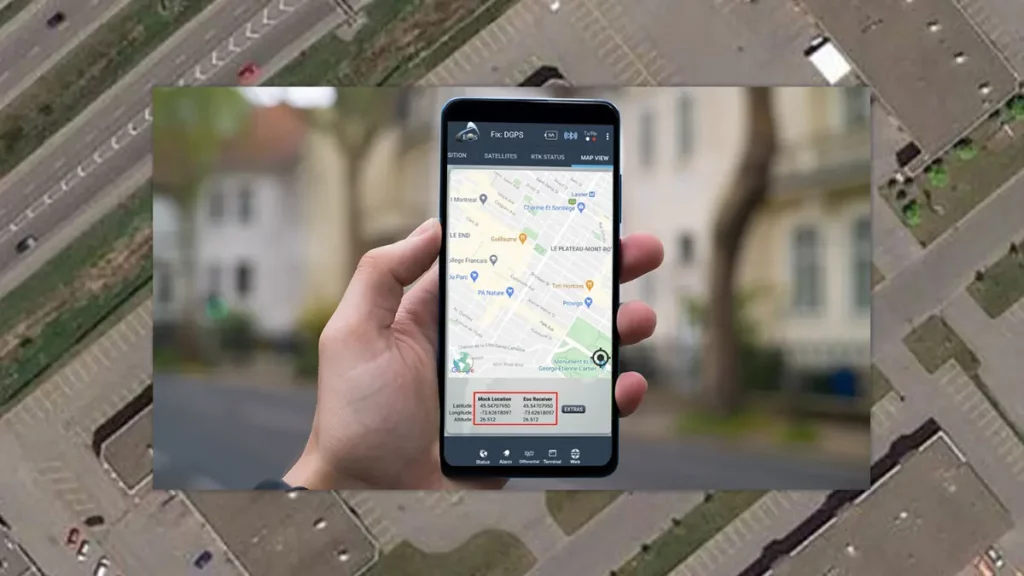
A popular Google app and you mobile phone GPS may be the tool for hackers to track your location. The cyber criminals use this information to remotely erase data from your device. According to security investigators the Find Hub Google app previously known as Find my Device is the culprit.
Genians cyber security company indicates that KONNI hacker group is the one responsible for this new attack. The hacking method is pretty curious and it makes use of the mobile phone GPS and the Google app in order to remotely control your information.
A new hacking method with your GPS and a Google app to steal your data
The entrance door for the hackers is a South Korean messaging app. That is the country where most cases have been reported. The victims start receiving messages from official organisms such as the Police department, but the hackers are behind them. If the user falls for the trap and runs the file, the malware installs and communicates with a server to download secondary files needed for the attack. According to Genians the files include several Trojans for remote access.
The main objective of the Trojans is to steal your credentials. Once your device has been infected, the virus searches and collects log in data for your Google account. When the hacker gets access to your account the alarms goes off. They access Find Hub Google app and start using your GPS to block or erase data.
The hackers have two advantages. They can check your exact location through the GPS and they can also access your Factory Default setting. Forensic analysis on affected devices revealed how the attacks occurs.
The cyber pirates wait track your GPS location and wait for you to be out of home to start the attack. That way is even harder to prevent the damage.
How to prevent this new hacker attack
After the news came out, Google stated that there’s no vulnerability on the operating system or in the GPS apps from the Mountain View Company. The problem is that credentials get stolen and the malware has been already installed beforehand.
The main security measure is to enable 2 Steps Authentication methods. It’s an extra layer of security in order to prevent outsiders to access your device remotely. That way, even if they have your password, they require your confirmation before doing any change in the settings.
It’s also important to avoid downloading any file from a mysterious source. If you receive a suspicious message or you can’t identify who is really sending you the files, is better to leave the message unread. At the moment, hackers are trying to develop new ways to infect devices from users all around the world. The vulnerabilities in apps and other Operating System files is a door, but most of the times is the carelessness of the users. Take your time and read who is asking for personal information and make sure who you are talking to. That way you can prevent hackers from stealing your data.