
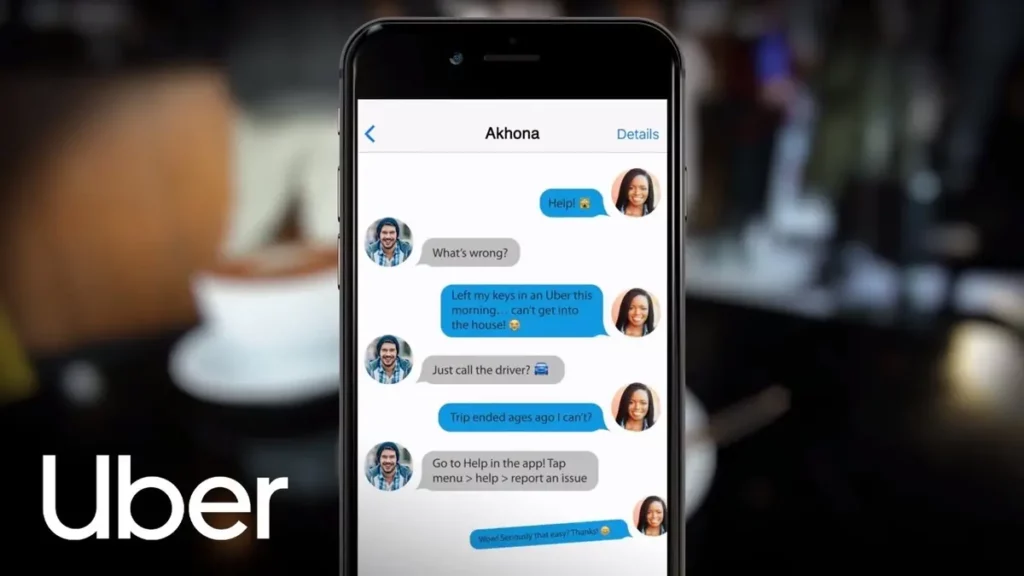
In case you need to phone call the Uber driver in case of an emergency, there’s a trick to d it. It’s easy and you won’t be invading his or her privacy s you won’t see his number but contact it them through the Uber app itself.
The trick to phone call your Uber driver will help you to tell them anything you need. It’s very useful in case you need to give specific orders or in case you forgot something on the car. In this article you will learn the trick and how to activate it.

Phone call your Uber driver from the app
In order to phone call your Uber driver from the app you need to activate the communication directly from the white bar on the screen bottom. You can see information about the vehicle and the driver’s name, but there’s also an icon with the shape of a phone.
- Press on the screen and select the round phone icon two times.
- Give the app permission to use phone call features.
- You will automatically get in touch with the Uber driver.
You can also send the driver a message in case you don’t want to call him. Another alternative is opening the app and selecting the white bottom bar with the driver’s information. Once there, press on My trips and select the one you need to contact. There’s an option to select I’ve lost and item.
From the website
If you are using a web browser you can also phone call your Uber driver to recover an object or your phone. Go to the Help section and choose “Problems during trip and refunds”. Confirm the order to contact the driver and you will be able to ask for any lost item that you may have left on board.
Any of these options is made in order to contact the driver quickly to recover lost items. It’s also useful if you are in a difficult to find address or you need to give specific indications.
Do you have any questions or problems related to the topic of the article? We want to help you.
Leave a comment with your problem or question. We read and respond to all comments, although sometimes it may take a while due to the volume we receive. Additionally, if your question inspires the writing of an article, we will notify you by email when we publish it.
*We moderate comments to avoid spam.
Thank you for enrich our community with your participation!