
Open source software has evolved substantially and now you can find several solutions for free in your operating system. In this article you will find 7 excellent open source free apps to help you with daily tasks in your PC.
The world of open source free apps is full of interesting tools. And you can improve your Windows 11 performance with certain tasks without spending additional money thanks to free apps. In this list you will find the best free open source solutions for all kinds of tasks in your PC. From office work to backup security and messaging integration. Pick the ones you like the most and start enjoying your computer in a different way.
Open source free apps you need to install in Windows
Most of these open source free apps are extremely light. You can download and install them in just a few minutes to start enjoying them in your computer.
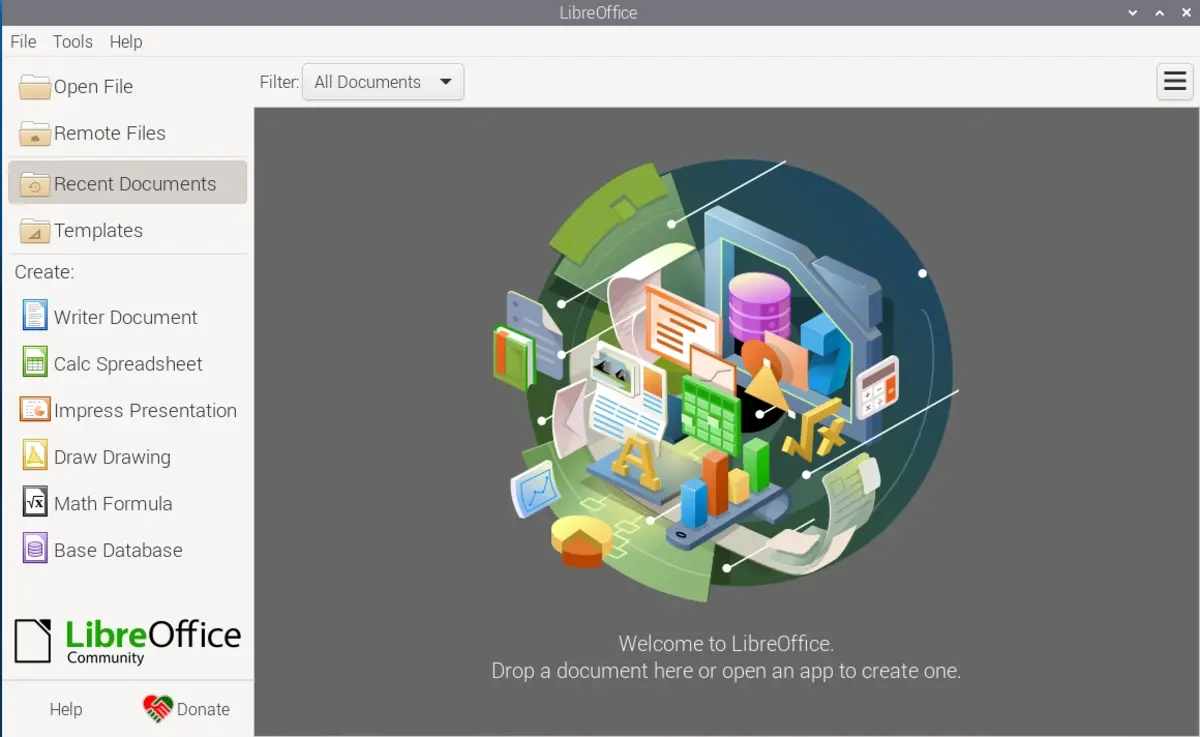
This is the perfect substitute for Microsoft Office. It’s totally free and you can enjoy a full ofimatic suite with text editor, spreadsheet and presentation design solutions. You can download and install it directly from the official website of LibreOffice.
And is an open source software to create security backups. It improves the official Windows tool and allows to download copies directly to Dropbox, Box and other cloud services.
This software solution allows you to organize messaging apps in one graphical interface. You can mix WhatsApp, Facebook Messenger, Telegram, Slack, Discord and other platforms to enjoy a simpler and faster messaging experience.
Other apps
GIMP is the free photo editor you should use as an alternative to Adobe Photoshop. It’s one of the most popular open source free apps and it includes professional tools for your photo edition projects.
The name of the app describes exactly what it does. You can convert and compress files in Windows. File Converter integrates into the contextual menu of your File Explorer and allows to convert video, audio, image and document files.
The last app in the list is PowerToys, and you can improve certain Windows operating system features. It’s a set of tools constantly growing and with the support from Microsoft.
Do you have any questions or problems related to the topic of the article? We want to help you.
Leave a comment with your problem or question. We read and respond to all comments, although sometimes it may take a while due to the volume we receive. Additionally, if your question inspires the writing of an article, we will notify you by email when we publish it.
*We moderate comments to avoid spam.
Thank you for enrich our community with your participation!