
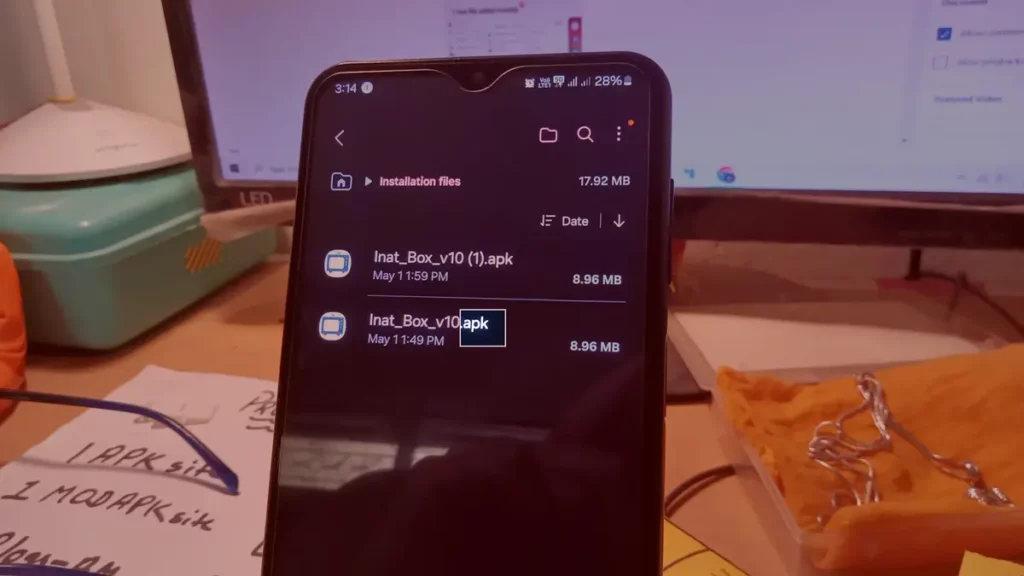
Users normally install apps from official stores. However, you can also install APKs files in your Android to run unofficial software. In order to avoid risks dealing with APKs, there are certain tricks you can do.
It’s important to make sure your APK source is trustworthy. If it isn’t, you may be exposed to viruses and malware. Before downloading Android APKs for your device, check the tricks in this article and make sure your phone or tablet is secure.

Install APKs in Android without risks
Installing apps in your Android device from external unofficial stores it’s not always advisable. But in case you need to do it, you can follow these tricks and make sure you install APKs in the safest way.
Check source and integrity of the APK file
Make sure the origin of the files is trustworthy. There are several sources such as APKMirror, APKPure or F-Droid where you can download APKs. These platforms verify and check the apps before sharing them for general download.
Update your device and make a security backup
Before downloading and installing APKs in Android you can make a security backup and update your system. That’s a great way to include the latest security barriers for your mobile phone or tablet.
Install it using an emulator first
If you want to make sure the APK is safe, you can use an Android emulator and install the software in a controlled environment. You only need to have the knowledge to set up and run an Android emulator interface.
Check the apps’ permissions
Before installing any APK check out which permissions it asks for. That way you won’t be surprised by an app doing anything strange with your phone or tablet.
Scan the mobile phone for malware
Even after downloading and installing the APK, you should scan the device searching for any malware sign. It’s a good way to make sure the APK hasn’t originated any issue on your device.
Enable and verify Google Play Protect
It’s important to activate Google Play Protect before installing any external APK. This is service that analyzes millions of apps to detect malware code.