
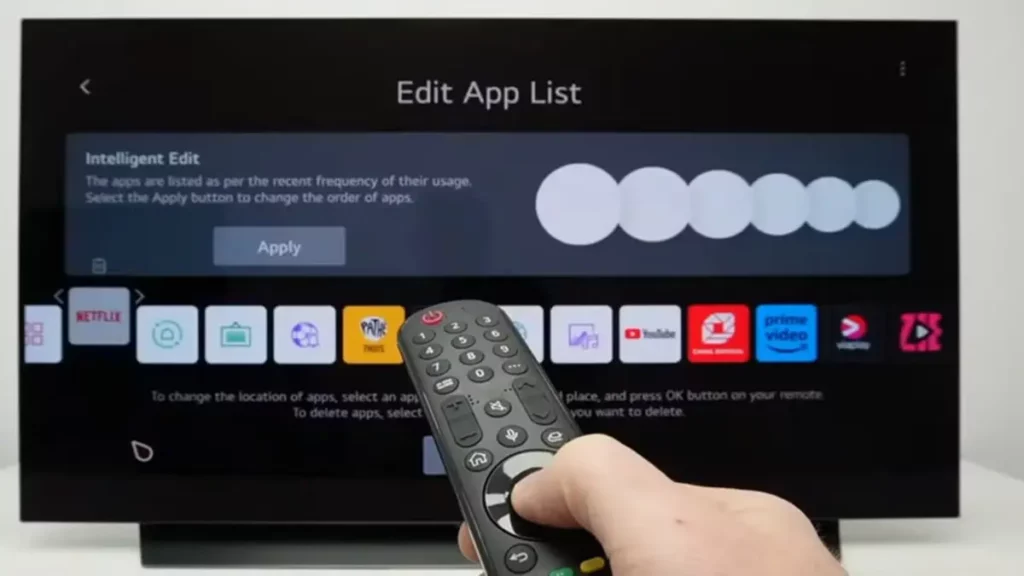
Your Smart TV model has a secret menu you can access for additional settings. It’s a special menu for technicians that shows internal features and advanced settings. You can check how many hours has the screen been on or manually update the TV, for example.
Unlike the regular TV menu, this secret panel allows for technical modifications on the Smart TV. You can perform color calibration, image and sound testing or activate the factory mode. The Smart TV menu is often compared with the BIOS in a personal computer.

How to access the Smart TV menu depending on your TV brand
There’s not a unique way to access the Smart TV secret menu function. Each manufacturer has a different combination of buttons to enter this menu. In the following list you can find your Smart TV brand and the combination to activate the menu.
LG devices
- Open the settings menu and check one of these codes from the remote control.
- 1105
- 0413
- Press OK and then Select.
- You can also try shutting off the TV and holding On and OK together when restarting it.
Vizio smart TV
- Press the Menu button and write 1, 9, 9, 9.
- Press the Back button and navigate through the diagnostic tools and hidden settings.
Sony Smart TV secret menu
- Press the Display button, 5, Volume + and Power.
- If the TV is off press Start, Select, Volume + and Power.
- You can exit the secret menu with Start, Back or TV buttons.
Fire TV devices
- Hold Select and Down for 5 seconds.
- Press Menu.
- You can navigate the developers’ menu with network options, performance and system status settings.
Panasonic
- Turn on your TV and hold the Volume down button as you repeatedly press Info.
- You can also try pressing 0, 0, 0 or 3, 1, 3, 8
- Navigate the menu with the 1 and 2 buttons and confirm with OK.
Samsung Smart TV secret menu access
- From your turned off TV press quickly: Info, Menu, Silence, Power.
- You can also try pressing Silence, 1, 1, 9, Enter.
Philips
- With the TV off hold Volume down and Power.
- You can also try the 3, 1, 9, 7, 5 ,5 and Silence combination.
- With the TV on try the channels 1, 2, 3, 6, 5 and 4 in that order.
Hisense models
- Go to Menu -> Settings -> Advanced Settings and select Balance.
- Press 1, 9, 6, 9.
- Some models have the balance access in Settings –> Audio Speakers. You need to put Balance value to zero and then introduce the number combination above.
Be careful in your Smart TV secret menu
The secret menu for Smart TV models is not for casual users. If you tweak with settings you don’t understand you can misconfigure image, audio or other features of the TV set.
In case you need to use the secret menu, it’s better just to check for specific information or minimal adjustments. Do not touch any setting you don’t recognize. The secret menu is a great help to identify and detect problems but not to mess with it.
Do you have any questions or problems related to the topic of the article? We want to help you.
Leave a comment with your problem or question. We read and respond to all comments, although sometimes it may take a while due to the volume we receive. Additionally, if your question inspires the writing of an article, we will notify you by email when we publish it.
*We moderate comments to avoid spam.
Thank you for enrich our community with your participation!