
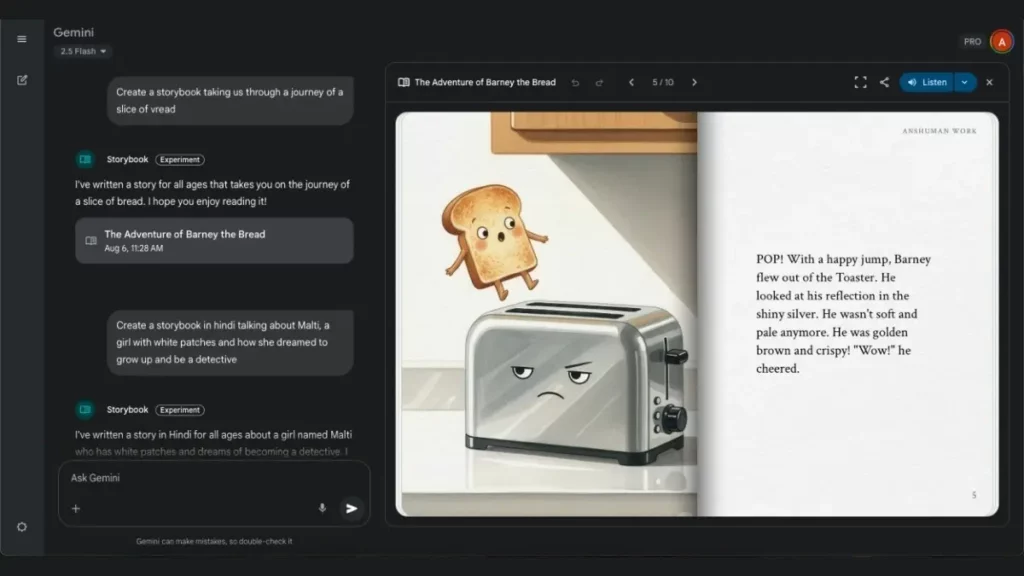
Gemini doesn’t stop evolving and it introduces a new feature called Storybooks. The new Artificial Intelligence update creates a book with illustrations directly from your own description. It’s a new feature that joins Veo 3 to create incredible videos. Now you can also make your own book with audio and drawings using AI.
The introduction of new AI features helps users to let imagination fly. Play with your inner writer and start creating what you imagine using Gemini as your own assistant. The new Gemini feature Storybooks is a great tool to start creating easily.
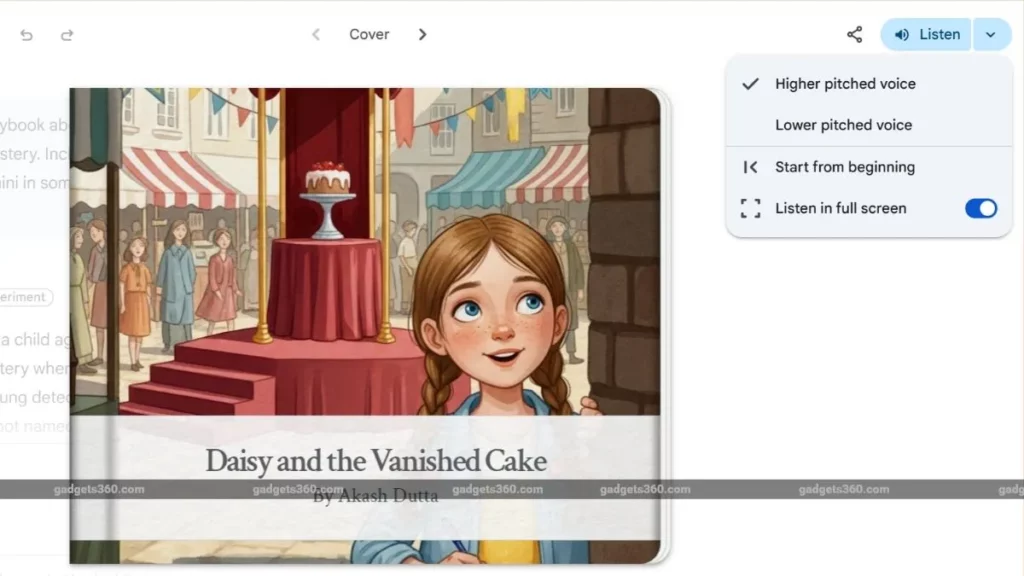
The new Storybooks feature from Gemini
Storybooks new Gemini feature is part of Google’s strategy for the AI environment. It’s available on the mobile app in 45 languages. The main objective of this Gemini feature is to help you create your own book using AI. Turn your ideas into a book by describing the story you want to tell. You can use your own gallery photos and customized audio files to tell a different story.
You can ask Storybooks to create your visual story using different styles, like manga drawings or European or American comic style. It’s also possible to select visual styles like pixel art or stop-motion images. Using Storybooks you can create a coloring book in just a few minutes.
The vast possibilities of Storybooks
The new Gemini feature brings a lot of options for the user. You will be able to create your own book with only a description in the prompt box. The following list is only a brief description of what you can do with Storybooks in your Gemini app.
Create short stories to explain complex themes. Think about a little child trying to grasp a complex idea. You can ask Storybooks to create a short story to make it easier to understand.
Teach life lessons. Use your own Gemini assistant to create stories to teach life lessons to any reader. It’s a very useful way to understand hard situations in life such as the loss a dear person or the importance of being a nice person.
Create drawings and illustrations for your stories. Use an image from your gallery or describe the type of drawing you want for each chapter of your tale.
Turn your memories into magical stories. The new Gemini feature allows the creation of stories from your memories in the photo gallery in just a few minutes.
Storybooks availability and use
The new Gemini Storybooks feature is available for Gemini in Smartphone and PC devices. You can start asking the assistant and see the results. In order to use Storybooks you need a Gemini Pro subscription. You can try it for free a few times in a similar way to Canvas in Gemini.
There is not any additional information about how Storybooks works. The update is very recent and it’s a feature that probably will keep improving during the following days depending on the users reception. Google keeps improving AI field with the addition of new tools for the Gemini assistant.
Do you have any questions or problems related to the topic of the article? We want to help you.
Leave a comment with your problem or question. We read and respond to all comments, although sometimes it may take a while due to the volume we receive. Additionally, if your question inspires the writing of an article, we will notify you by email when we publish it.
*We moderate comments to avoid spam.
Thank you for enrich our community with your participation!