
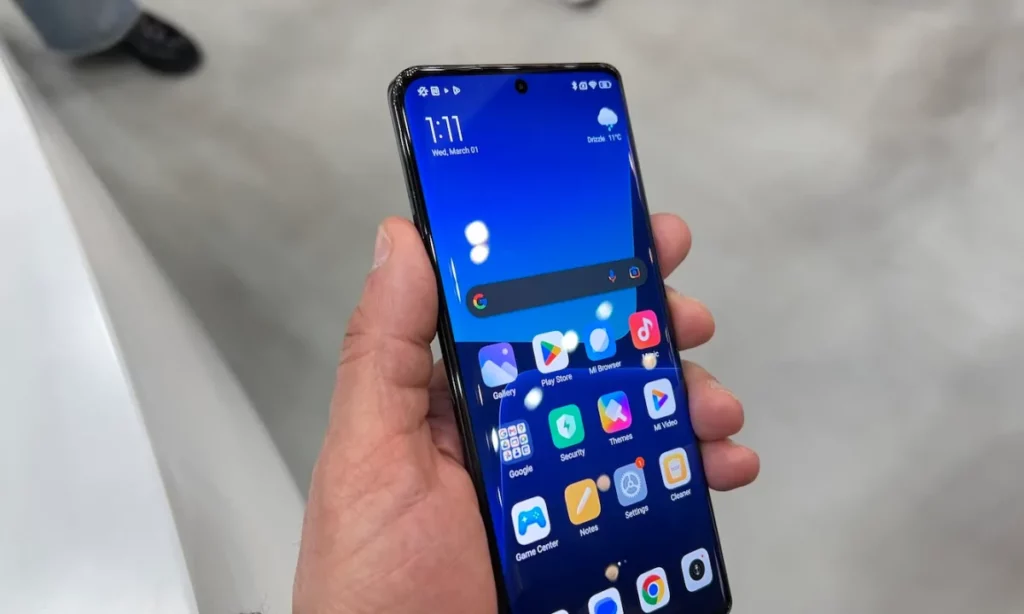
One of the most annoying issues of Xiaomi customization layer is the bloatware apps. These apps are still present in HyperOS but in MIUI mobile phones it was exaggerated. Fortunately, there are certain ways to eliminate or hide bloatware apps in Xiaomi for a cleaner user experience.
It’s a good idea to eliminate Xiaomi bloatware apps because most of them are useless or you will opt for other third party apps for a better result. You can perform the bloatware cleaning in Xiaomi, Redmi and POCO devices. It’s not that easy in every device but you can perform certain settings tweaks to improve the experience.
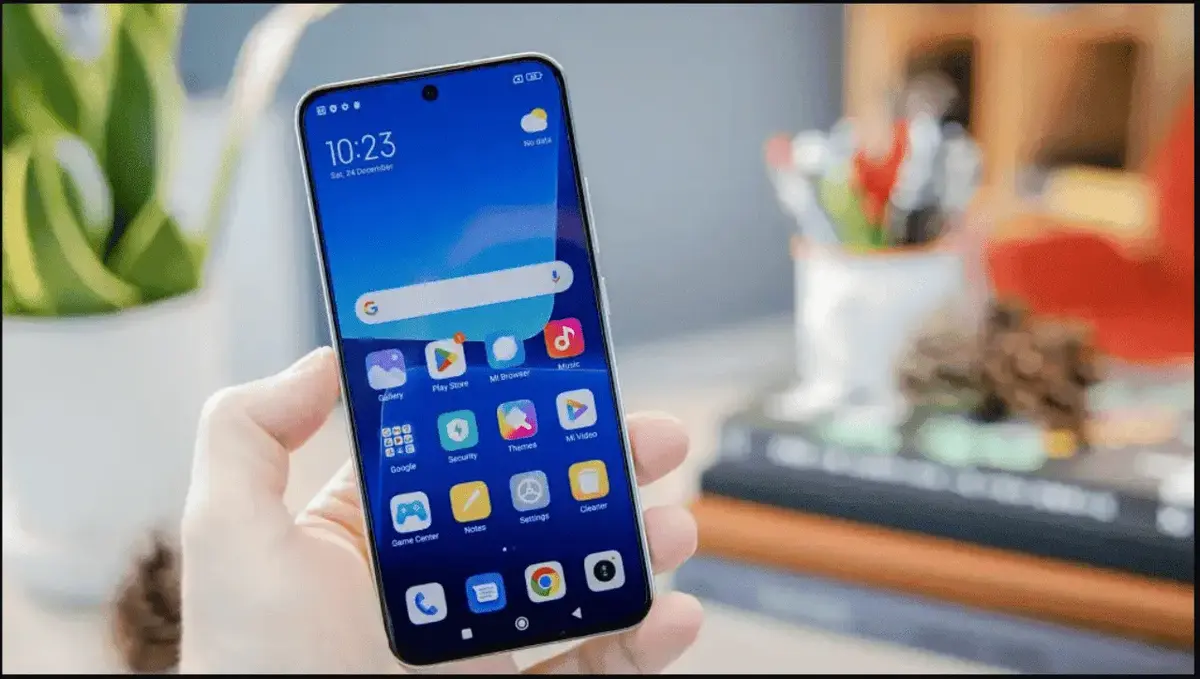
First uninstall or disable Xiaomi bloatware
Bloatware can be very annoying for the user in all mobile devices, from Samsung to Google Pixel or even Xiaomi. Low entry devices usually include more bloatware than high end ones. The first step for a better performance is to uninstall them from the phone.
In HyperOS from Xiaomi you can uninstall bloatware relatively easy as well as disable it. The uninstall option eliminates the app completely, and the disable one hides the access and saves some storage space at the same time.
How to disable or uninstall bloatware in Xiaomi devices?
Save some storage space in your phone by following these steps to uninstall or disable certain bloatware apps.
- Open the Settings app.
- Go to Apps.
- Select each app one by one and press Uninstall or Disable from the actions menu.
You can also choose the apps you want to remove or disable on the Home screen. To quickly eliminate them press and hold the icon of the app and press the Recycle bin button.
The final bloatware solution for Xiaomi devices
If native delete is hard or you find apps that resist elimination, there’s a final solution called ADB. It’s a communication method for Android and PC that allows the user to manually control several features and actions on the phone and tablet.
You first have to connect your phone to a PC using a USB-C to start navigating the inner storage space of your phone. In order to make use of ADB you need to have certain knowledge of Android and PC. It’s not that hard and following these tips you can erase all the bloatware apps from your Xiaomi.
- Download ADB and install it on your PC.
- Unzip it in a folder you can access easily-
- Go to your Xiaomi phone and enable developer’s options and USB depuration.
- Connect your smartphone to the PC in a USB 2.0 port.
- Accept the permits on your phone.
- Open the command line on the folder where ADB is and introduce: adb devices.
- Introduce the following commands and your Xiaomi bloatware will disappear.
- Adb shell cmd package uninstall –k –user 0 “name of the app package”.
The third alternative
There’s still one more option to clear your Xiaomi phone from bloatware. You can use the Universal Debloater that works along ADB.
- Download the Universal Debloater interface for your operating system.
- Install it on the same folder where ADB is, inside platform-tools.
- Connect your phone to the PC with USB depuration enabled.
- Open Universal Debloater and accept the permits on your phone.
- This way you can visually identify the apps you want to uninstall or disable on your Xiaomi phone. Select them all and then confirm with Uninstall selection.
Once you have done this, your HyperOS experience will be lighter and smoother. It’s a great way to save storage space as well as eliminate apps that you won’t use in the future.
Do you have any questions or problems related to the topic of the article? We want to help you.
Leave a comment with your problem or question. We read and respond to all comments, although sometimes it may take a while due to the volume we receive. Additionally, if your question inspires the writing of an article, we will notify you by email when we publish it.
*We moderate comments to avoid spam.
Thank you for enrich our community with your participation!