
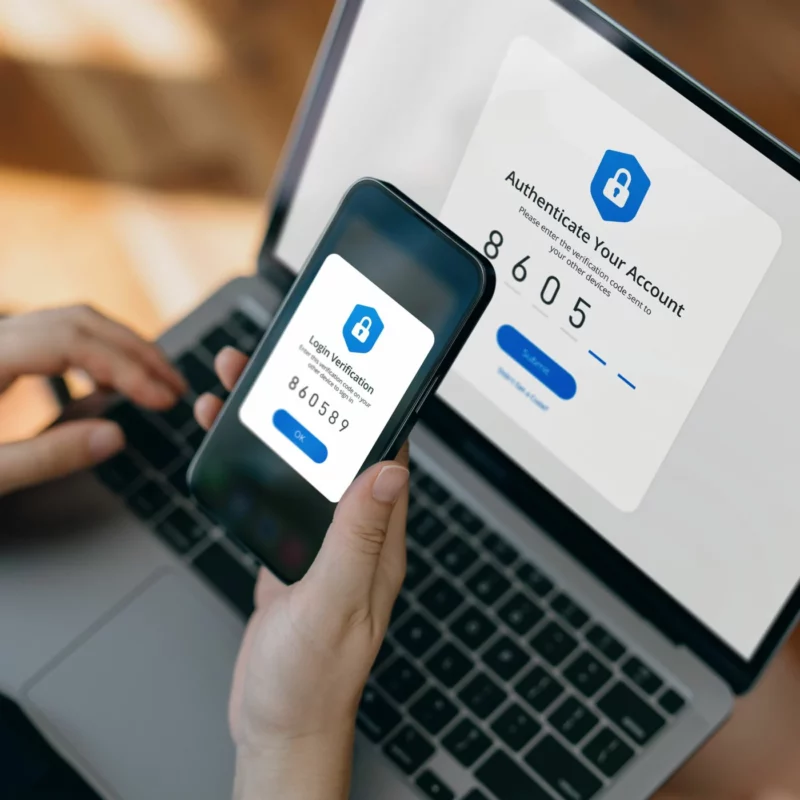
A new malware called CloudZ is stealing SMS codes and one-time passwords (OTPs) from users’ smartphones — and it never needs to touch the phone to do it. Researchers at Cisco Talos published their findings on May 5, 2026, detailing an intrusion that has been active since at least January of this year. The method is unusual enough that even seasoned security analysts took notice.
The attack targets Microsoft Phone Link, a built-in Windows 10 and 11 app that bridges a PC to an Android or iOS device over Wi-Fi and Bluetooth. Once paired, the app mirrors text messages, notifications, and calls directly on the desktop, storing that synced data in local SQLite database files on the computer. That convenience is exactly what the attackers exploit.
How CloudZ and the Pheno Plugin Work Together
CloudZ is a modular remote access trojan (RAT) compiled in mid-January 2026 and obfuscated with ConfuserEx to make analysis harder. It works alongside a previously undocumented plugin called Pheno, and together the two tools turn a standard PC infection into an OTP-interception operation. Pheno continuously scans all running processes for keywords tied to Phone Link — specifically “YourPhone,” “PhoneExperienceHost,” and “Link to Windows.” When it finds an active session, it flags the system as “Maybe connected” and signals the attacker’s command-and-control (C2) server. From there, CloudZ can access the Phone Link SQLite database and pull out SMS messages and authentication codes that were synced from the victim’s phone.
The critical detail here is that no malware ever lands on the smartphone itself. The attack exploits the trust relationship between the phone and the Windows PC, harvesting mobile data straight from the endpoint. As Cisco Talos researcher Chetan Raghuprasad put it, “We don’t commonly see this connection leveraged in attacks.”
Beyond the Phone Link abuse, CloudZ is a capable RAT in its own right. It supports browser credential theft, file management, screen recording, and remote command execution. It also rotates between three hardcoded browser user-agent strings to disguise its C2 traffic as normal web activity.
A Fake ScreenConnect Update Is the Entry Point
The infection chain starts with a file disguised as a legitimate update for the ConnectWise ScreenConnect remote support tool. Researchers have not yet identified how victims are first led to run it, but once they do, a Rust-compiled loader named systemupdates.exe drops a .NET loader disguised as a text file in a system directory. That loader then deploys CloudZ via the legitimate Windows binary regasm.exe, scheduled to run at system startup under the SYSTEM account. The loader also runs a battery of anti-analysis checks, looking for tools like Wireshark, Procmon, and Sysmon, and exits immediately if it detects a sandbox or virtual machine environment.
Cisco Talos has not attributed the campaign to any known threat actor or group. Researchers noted that, so far, there is no confirmed evidence of successful data exfiltration, though the staging URLs remain active — a sign the operation is still running.
What Users and IT Teams Can Do
The most direct advice from security researchers is to move away from SMS-based two-factor authentication wherever possible. Hardware security keys or authenticator apps that do not sync codes through desktop software are far harder to intercept this way. For enterprise environments, auditing whether Phone Link is actually needed on workstations — and disabling it where it is not — removes the attack surface entirely. Cisco Talos has published indicators of compromise, including malware hashes, Snort rules, and ClamAV signatures, for defenders who want to hunt for signs of CloudZ in their networks. Suspicious scheduled tasks invoking regasm.exe against unusual file paths are a good starting point.
The EvilVideo malware campaign on Telegram showed a similar pattern of abusing legitimate app features to deliver payloads without raising immediate suspicion. CloudZ takes that logic a step further, turning a productivity tool into a passive wiretap for authentication codes.