
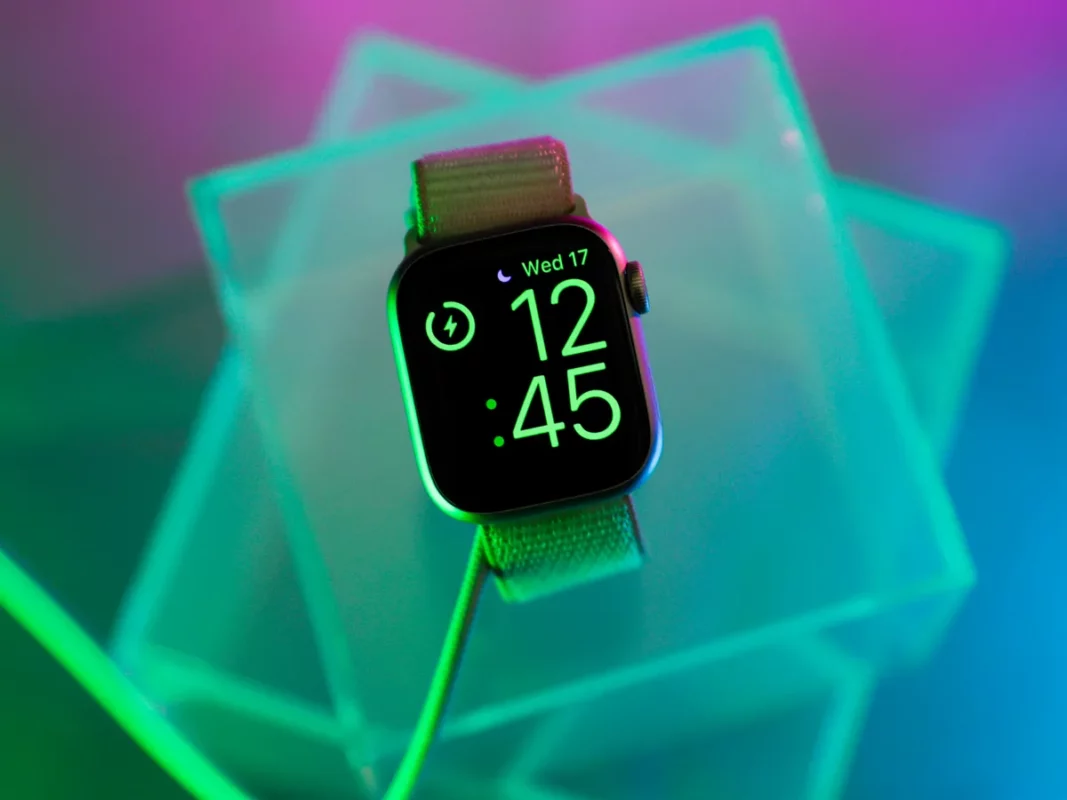
If you want to really disconnect and enjoy your well deserved holidays, you should avoid mobile phone calls and notifications. In case you use a Smartwatch it’s a good opportunity to enable Holiday Mode and rest without worries.
Most of the Smartwach models nowadays include a Do not disturb or Holiday Mode. In this article you will learn how to actívate it in different models in order to stop vibrating our ringing when you receive notifications from your boss or work companion during your holidays.

WearOS: Xiaomi Watch, Mobvoi, Oppo and the Holiday Mode
Usually it’s pretty simple to enable or disable Holiday Mode in a Smartwatch. Depending on the brand of your watch, the option can be found in different areas. Those devices that use WearOS usually work like this:
- Slide the upper part of the screen to access Quick Settings.
- Touch the Do not disturb button (half moon icon) and silence all notifications.
- You can also select Silence notifications to avoid vibration.
In case you need full disconnection of the screen without turning the device off, you can activate Silence Mode. If you have a different launcher the location of the button may be different.
Samsung Galaxy Watch
In the Samsung Galaxy Watch family the Holiday Mode or Do not disturb mode can be enabled very easily. Just follow these steps:
- Open Galaxy Wearable app in your phone.
- Select Watch Settings.
- In Notifications uncheck See while using the phone.
From the Smart watch slide down the Quick Access bar and enable Do not disturb mode to silence sound and avoid the screen turning on when you receive a notification.
Apple Watch
The Apple Watch settings also have a half moon button. Click on it from the Control Center to enable Do not disturb mode. You can also stop the screen from turning on and the vibration with the Silence Mode. If you activate the Cinema Mode you can move your wrist to enable Do not disturb mode with movement.
- Extra tips for the Holiday Mode
- Wear OS also allows to block certain specific apps notifications from the mobile phone app. Do the following:
- Open the Settings section.
- Go to Notifications and change the watch configuration.
Samsung devices include a feature called Show when wearing the watch. If you activate it the clock will only turn on for notifications when it’s in your wrist.
Apple Watch may reduce the interruptions without complete silence by adjusting haptic volume and disabling vibrations. It also helps to save battery.
To sum up, in order to get a real disconnection during your Holiday Mode, the best alternative is to mix Do not disturb, Cinema and Silence modes to get the best settings for your own device.
Do you have any questions or problems related to the topic of the article? We want to help you.
Leave a comment with your problem or question. We read and respond to all comments, although sometimes it may take a while due to the volume we receive. Additionally, if your question inspires the writing of an article, we will notify you by email when we publish it.
*We moderate comments to avoid spam.
Thank you for enrich our community with your participation!