
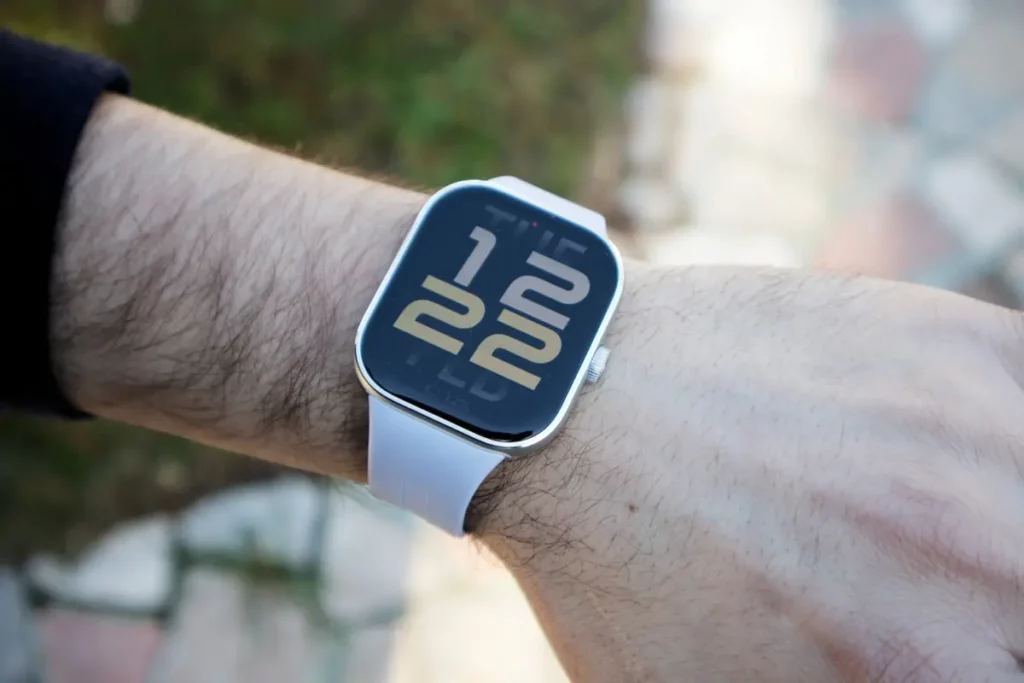
The Redmi Watch 5 smart watch is a best seller thanks to its battery life. It can run up to 18 days in a row, including health features, 140 sport modes, big screen and a great price of less than 30 Euros. In case you have already bought it or if you are planning to, you can even improve battery life with a few tricks.
In this article you will learn how to improve Redmi Watch 5 Active battery life with a few tricks. It has a 470 mAh battery that lasts 18 days with normal use and 12 days in intensive use. From the Xiaomi website you can also check different test conditions for the company to describe it in such a detailed way.

How to improve Redmi Watch 5 Active battery life
If you want to improve the smart watch battery life you can do some of the following tricks. These are directly done from the settings menu and you don’t need to install any other apps or enter secret menus.
Reduce screen brightness
One of the most energy consuming components of a smart watch is the screen. If you lower screen brightness you can save energy up to 4 or 5 days. You only need to access Screen and brightness settings in the main menu.
Disable app notifications
You don’t need to receive all the notifications in your wrist. There are some apps that may even be annoying. So you can enable and disable which apps send notifications to your watch.
- Open the Mi Fitness app.
- Select My device.
- Choose Redmi Watch 5 Active.
- Open Notifications and select which apps to enable and which ones to disable.
Activate save energy mode
If you are not needing advanced features you can activate the save energy mode. The battery life of your Redmi Watch 5 Active will last even longer. For example, you can deactivate it when you go to bed. Just look for the Save energy mode switch and use it.
Choose your spheres correctly
There are different spheres and you can customize your smart watch experience with them. But take into account that some of them consume more battery energy. You can find them all in the Mi Fitness app. Avoid animation, reduce dynamic widgets and choose low energy consumption ones.
Set monitoring options
In case you are not using sleep monitoring features, you can save battery life by disabling the sensors. For example, you can set the hearth rate monitoring features for longer intervals or directly disable continuous monitoring.
Be careful with extreme temperatures
Pay attention when using the smart watch under extreme temperatures. For example, in summer days or winter days, check out the temperature to improve your battery life experience.
Do you have any questions or problems related to the topic of the article? We want to help you.
Leave a comment with your problem or question. We read and respond to all comments, although sometimes it may take a while due to the volume we receive. Additionally, if your question inspires the writing of an article, we will notify you by email when we publish it.
*We moderate comments to avoid spam.
Thank you for enrich our community with your participation!