
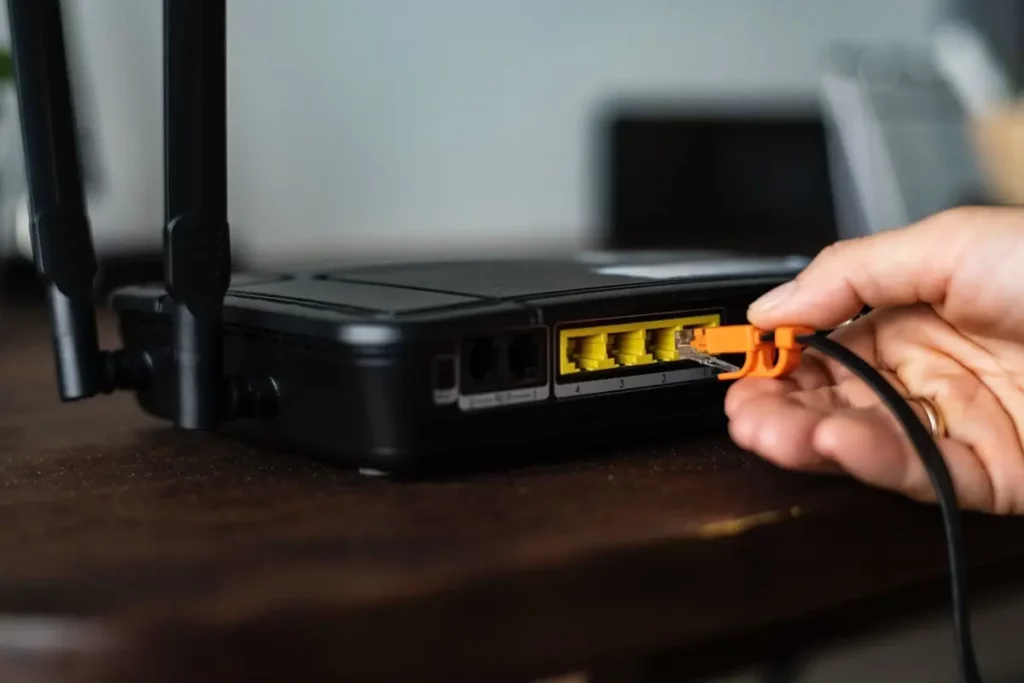
When holiday time arrives, you may worry about your WiFi router at home. Taking into account that you won’t be using it for a while, you can think about turning it off. Should you turn off the WiFi router when you leave home?
It’s a hard question to answer because you will find arguments for both options. For example, you won’t need WiFi from your house network but there are devices connected nevertheless. In this article we explore reasons to think about turning off the WiFi router as well as leaving it on. Then you can choose which alternative fits you better.

Turn off the WiFi router or leave it on, what to do before going on a trip
The decision about leaving the WiFi router device on is strictly personal. If you turn it off there are several advantages. For example, you won’t be exposed to hackers stealing your bandwidth or infecting your devices with virus. Turning the router off also saves energy and may extend your router lifespan.
Leave the router on
There are also situations when leaving the WiFi router on is a good idea. If you use NAS or external devices with network storage the Internet connection is required 24/7. Those devices won’t send any data if the router is off. Security systems or intelligent devices that work all day also use Internet, for example cameras, sensors, home appliances and Smart devices. In case you use remote access it’s fundamental to have Internet connection in order to send and receive information from those devices.
Setting your WiFi router behavior through Smart devices
A good idea to implement both actions, having the router on or off depending on your needs, is using smart power strips to schedule when the router is on. You can program it to enable and disable the energy to the WiFi router depending on the times you need access, for example.
If you can only leave it on, you can protect it with a specific IP address for the administrator. There you can include a black or white list to determine which devices can connect to the WiFi router. Another good idea is to use a VPN to increase security barriers. Make sure the system is always updated and you won’t be exposed to danger when leaving your Internet network on for a holiday.
In terms of home security, the Internet connection through a WiFi router is like a key access to your devices. It’s very important to make sure the settings are correctly done to prevent any hacker taking control over your network.
When you leave your house for the holidays, you may want to make sure that outsiders won’t access your WiFi. The best solution is to turn off the router and impede remote access. But in case you need the Internet for your devices, you should create security barriers to protect the Internet network. It’s not that hard but you should consider both options before choosing what to do. That way you will enjoy your vacations with no worries.