
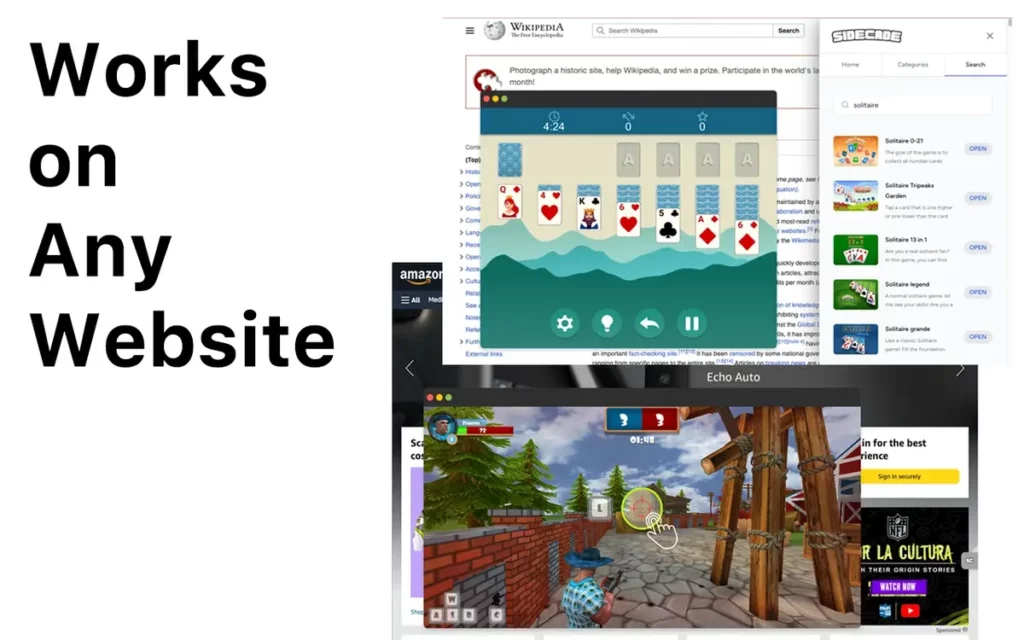
Flash videogames were very popular in the late 90’s. Users all around the world could find Flash games in different websites but now the new protocols such as HTML 5 are the standard. But you can use a Chrome add-on to play your beloved retro Flash games without any problem.
Using the Sidecade Chrome add-on you can play hundreds of minigames and return to your youth days. The goal of this add-on is to give you a retro videogame experience with just two clicks. Play all kinds of videogames without installing any program and only loading the web browser extension.
What is Sidecade Chrome add-on?
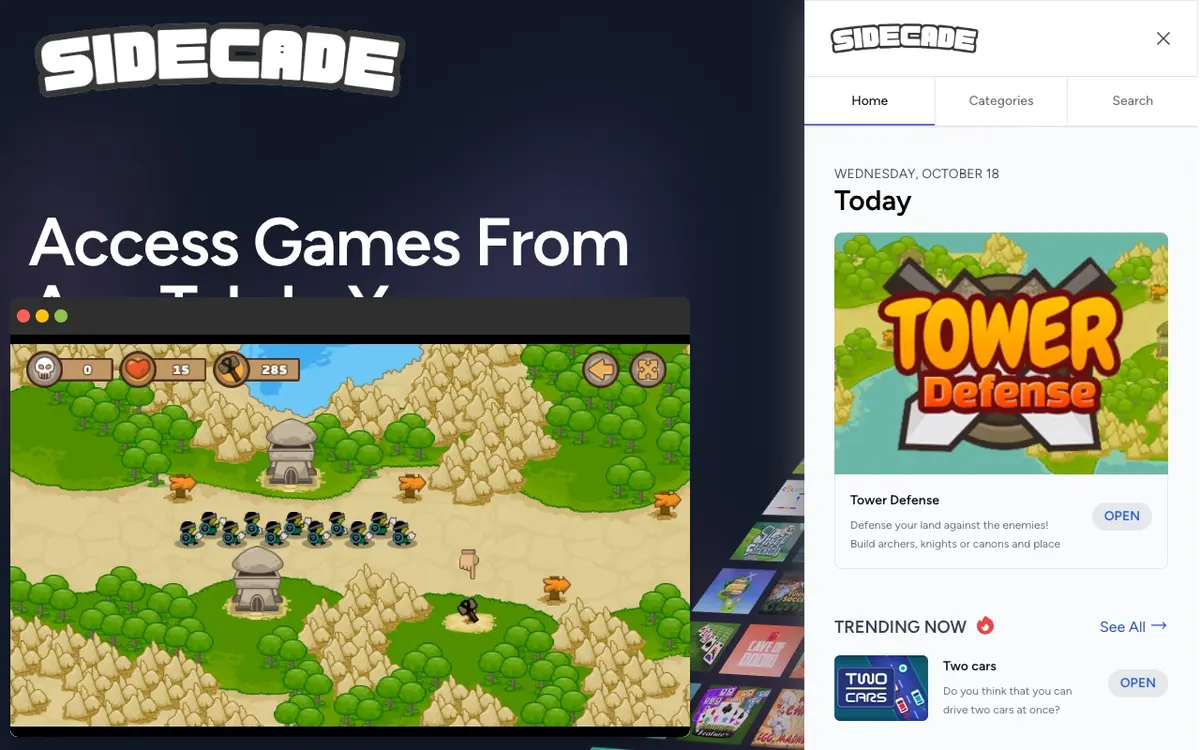
Sidecade is a Google Chrome add-on you can download from the extension store and gives you access to more than 800 games. All the titles can be run on an independent window using streaming technology. While you are using your web browser, you can play all your favorite retro games and navigate at the same time.
How to install Sidecade
To start running Sidecade you have to enter Chrome Store and download the extension manually. In case you are using another web browser such as Edge, you can also download it from the Chrome Store. This is thanks to the Chromium based design of Edge.
Security and permissions
Before installing any Chrome add-on it’s important to understand which data you are sharing. In the case of Sidecase, the list of permissions it asks for include:
- Show pop-up windows. It’s necessary in order for each game to run in an independent window.
- Lateral panel control. A permission to show and hide the add-on interface.
- Keyboard shortcuts access. You can launch the extension with Alt + J and close all games at once with an emergency keyboard shortcut.
- Sidecade doesn’t ask for any personal data permission, it doesn’t read your web browser history or any other sensitive information.
Requirements to run Chrome add-on
One of the most interesting features of Sidecase is that you can run all the retro games you want at the same time. They all run in an independent window. The extension is very light and the resource consumption is moderate. RAM consumption rounds 150 MB for each game instance. You won’t feel any loss in terms of computer performance.
Sidecase game catalog
After installing Sidecase extension from the Chrome Store you can click on the icon to open the game catalog. The lateral right panel allows for you to navigate a vast list of titles grouped by genre. For example, you will find classic arcade titles, puzzles, action and platforms games. The Sidecase videogame catalog is constantly updated to bring you the joy of classic videogames directly to your web browser.
The best feature of this Chrome add-on is that you can have several titles open at the same time. You won’t have time to get bored because you can play Super Mario like games or FIFA and NHL sports title. And that’s only a little glimpse of the hundred games collection you can access through Sidecase on your Google Chrome browser.