
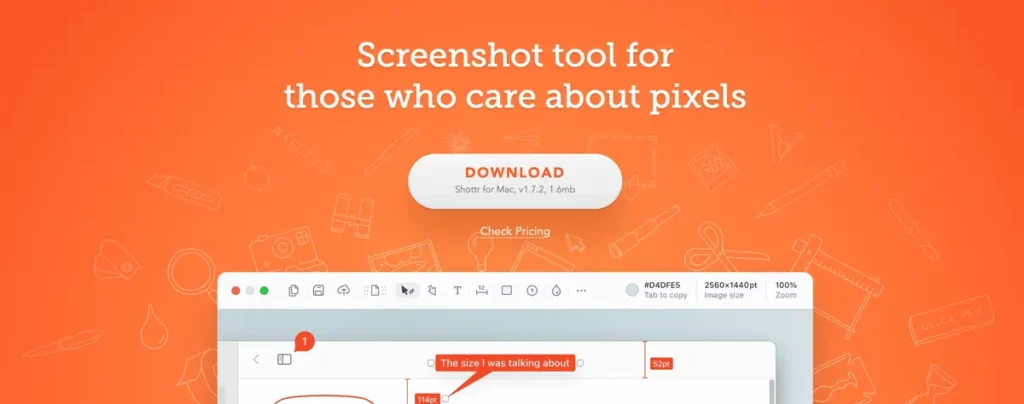
Apple devices include their own native tool to take screenshots on Mac devices. However, there are still third party alternatives to enhance macOS and sometimes they are far superior in terms of comfort and quality. Shottr is a great example of thi. A tool to take a screenshot in Mac easily and fast.
Shottr is one of the lighter, faster and more powerful options for Mac users to take a screenshot. You can even add notifications without complications to make each image more significant. It’s optimized to work with Apple Silicon chips and you can use the tool to make a screenshot in 17 miliseconds.
How does Shottr tool works and make screenshot easy in Mac?
Shottr offers different features to improve your Mac capacity when taking a screenshot. You can scroll screenshot for long websites and use intelligent mode to select precise areas of the screen. The tool combines speed, functionality and a easy to learn interface to make your screenshots extremely simple. The images have high quality and are quick for edition, grating you a very enjoyable experience.
The main quality of Shottr is the capacity of taking scrollable screenshots. It’s ideal for those who need to capture a long website or list inside and app. You can even screenshot a chat with several interactions in an easy way.
Mac screenshot tool is very simple. You just need to select the area you want to capture and let Shottr scroll automatically. Thanks to the intelligent mode, it can precisely select the areas available for screenshotting. It automatically adjusts margins and gest a balanced frame without a posteriori touches
Background options and advanced edition
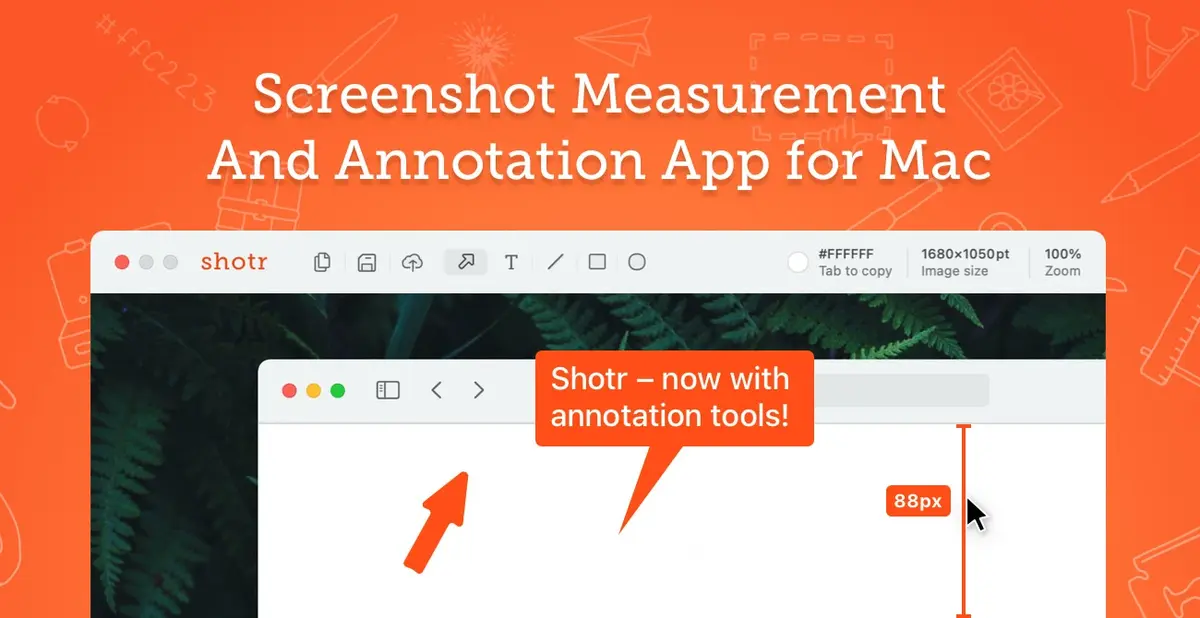
The screenshot tool for Mac Shottr includes advanced options for edition in full windows. You can establish a desktop background, solid colors or transparent backgrounds. It also includes borderless edition and several customization layers. The main goal of the app is to create a professional look for your screenshots. One of the best features of Shottr is the focus that highlights particular areas or using counters to enumerate steps or elements in a photo.
Privacy and performance on Shottr
Another strong point of this screenshot tool for Mac is the blurry feature. You can use it to erase or blur personal information depicted in the photo. Directly from the Shottr interface you can share the images with the personal data covered or directly eliminated. It’s excellent for messages you don’t want to be seen or numbers or other information. The app also allows fixing a screenshot in a floating window to use it as reference while doing other tasks.
Besides, in terms of performance, Shottr is fully optimized for Apple Silicon chips. It consumes very little resources and it gives priority to speed and edition options. It’s a great and efficient tool to replace Mac native app to make a screenshot. You can use it and forget about losing any detail in a easy, fast and very funny way. Try it now by downloading it from the official website.