

Nano Banana is a new app to use AI and create and edit photos using comprehensive language. Just write prompts using natural language and the software will make sure to give you astonishing results for your photos without the difficulties of GIMP or Photoshop.
Photo edition for all kinds of users is now a reality thanks to Nano Banana photo AI app. You can give specific orders such as “eliminate the people on the right side of the photo” and in a few seconds you will have a result. Nano Banana is a Google AI tool that learns from your indications. And you can do all kinds of stuff, in this article you will discover the most useful alternatives
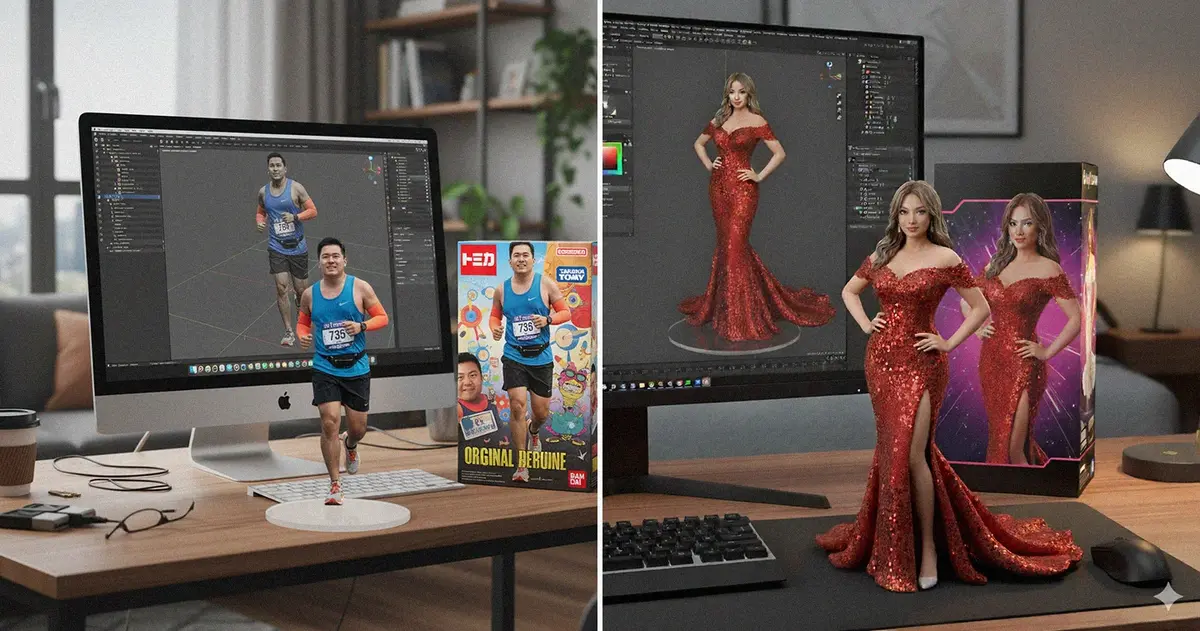
Eliminate objects with Nano Banana AI app
One of the classic features of any photo edition software is eliminating objects. You can use Nano Banana AI app to create aesthetic photos eliminating those elements you don’t want to see. You only need to clearly identify the elements you want to erase. That way the app can detect them and erase them from the photo. Depending on how detailed you are more precise will the app be. You can also ask Nano Banana to replace elements and indicate which ones to put.
Add objects
The Google AI app Nano Banana also lets you add different objects to a photo. For example, you can replace the t-shirt someone is wearing by describing it with details. As any other AI engine, Nano Banana learns from the user. Write a detailed description of the item you want to add and wait for the result.
Introduce text pieces
Another feature allows you to introduce text pieces into any photo. You can select different font styles, colors and sizes. Write the text you want between quotation marks for the AI to easily understand your petition.
Change backgrounds and other elements on the photo
Nano Banana photo edition AI app works with detailed description of whatever you want to modify. You can fully change the background of an image from a desert to the Louvre museum. The natural language descriptions are the key to obtaining an AI image in just a couple of minutes.
Combine photos with Nano Banana Gemini app
You can use Nano Banana in Gemini for mounting two images. Use the prompt “combine these photos in a realistic way” to see the results. If there are too many elements on the image, you may experience some problems but try combining photos until a good result appears.
Add image filters
Nano Banana AI app includes a great variety of filters to give your photos an artistic approach. You can create black and white photos, Neon lights, anime style and many more. It can even be used to restore old photos.
Improve lighting
The lighting feature on Nano Banana is far from perfect. But it’s still interesting because you can apply different lighting details to your photos. It’s an excellent tool to soften brightness and make detailed modifications on the scenery. For example, you can ask the AI to reduce the shadows on a photo or increase certain lights in zones or elements.