
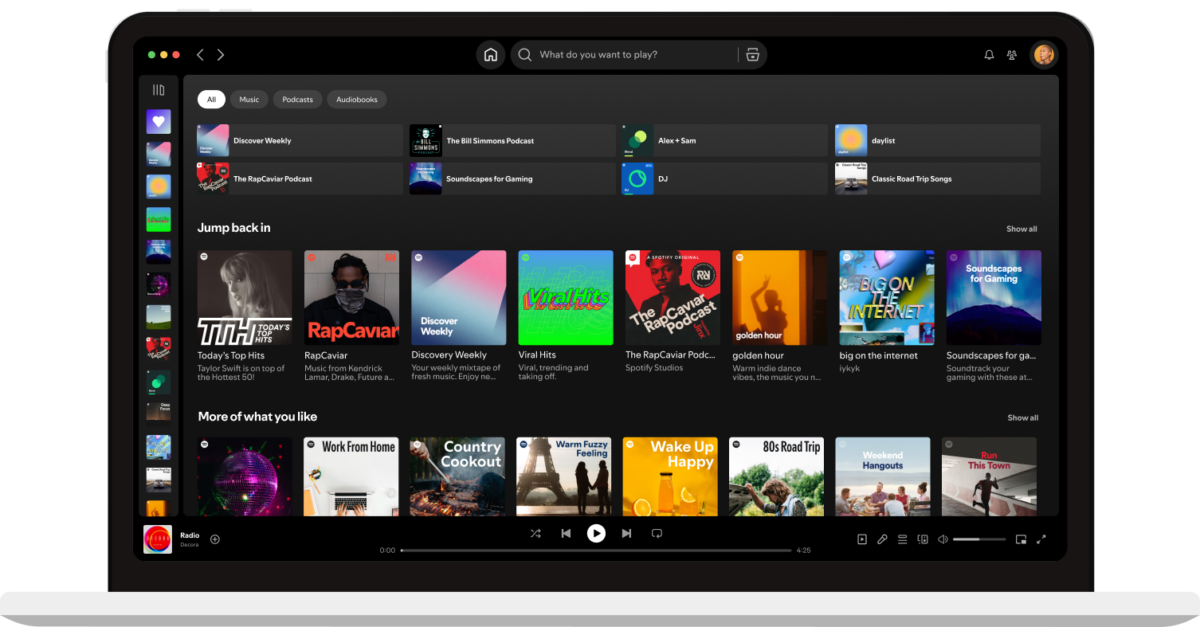
If Spotify seems to run normally but you can’t hear sound on your mobile phone, it’s a common issue. There are different reasons for this to happen and you may fix it with some of these tips.
Even when Spotify shows the playing screen, it may not sound properly on your mobile phone. The causes for this can range from pretty simple to more complicated ones: from incorrect volume adjustments to damaged cache. In this article we explore step by step guides to solve the most common issues with Spotify sound on phones.
Why does Spotify sound fail?
The most common error with Spotify sound on your mobile phone is the volume adjustment on your device and the app. In mobile phones the multimedia volume is usually separated from calls or notifications volume. Make sure that multimedia sound is enabled, that levels are adequate and revise the Spotify silence settings box.
You may experience a Spotify sound fail because of Spotify Connect. This feature allows for your content to be playing in other device such as a Bluetooth speaker or a Smart TV. Check your playing interface and make sure you are playing your music from the correct device.
Sometimes the problem is not in Spotify, but in your mobile phone. Try running other audio apps like YouTube or a radio one and discard any system or hardware failure.
If the volume is right and only Spotify is the app failing, you should clear the app cache. Clean the inner memory from the Settings in order to erase data and cache. You can even reinstall Spotify is the error remains.
Another possibility is that you are running an outdated Spotify version or maybe your Internet connection is not working properly. Remember to update your app, the operating system and the device if the errors persist.
Finally, there are situations when the audio is being redirected to another channel or interface. There are several users recommending to check system settings in Volume for apps and make sure the correct device is selected as default output.
Possible solutions for Spotify sound issues
- Turn up the volume from your mobile phone and the app.
- Check out if Spotify is not running on another device like a Bluetooth speaker or a smart TV through Spotify Connect feature.
- Check other audio programs to see if the sound works properly.
- Clean the app cache to discard any corrupt file.
- Update Spotify and restart your mobile device. This is one of the most common solutions for temporal issues and failures after changing the operating system.
- Revise system settings in Audio to verify if Spotify is sending the audio to the correct speaker.
Whenever Spotify doesn’t sound on your phone the normal problem is related with volume configuration or incorrect output. The app being damaged is not that usual, but you may experience software or settings problems if the data is corrupted. Check the possible solutions in this article and you should restore the Spotify sound without complications.
Do you have any questions or problems related to the topic of the article? We want to help you.
Leave a comment with your problem or question. We read and respond to all comments, although sometimes it may take a while due to the volume we receive. Additionally, if your question inspires the writing of an article, we will notify you by email when we publish it.
*We moderate comments to avoid spam.
Thank you for enrich our community with your participation!