
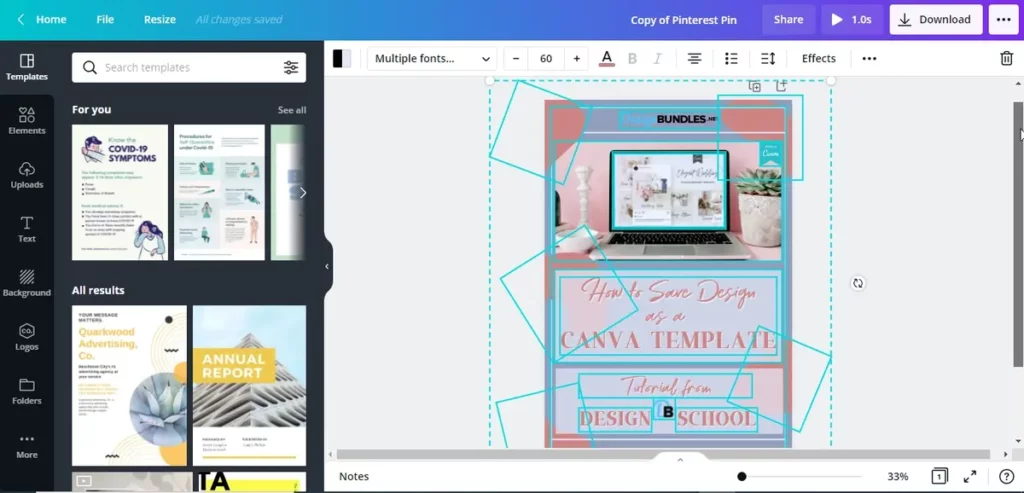
You spend certain time perfecting your Canva design but when you want to download, it fails. This usually happens when you are trying to apply Premium elements to your design. These require having a Pro account for the Canva software. In case you don’t eliminate Premium elements, you won’t be able to download the Canva design.
The app includes several free features, and the most interesting and elegant Premium ones. If you use an image or graphic from the paid version, the download option would remain blocked. In this article you can learn how to fix it in a simple way but without paying.
Download Canva design if it’s blocked

The most common reason for a Canva design to be blocked for download is a Premium element. If you don’t have a Pro account, you will experience a restriction in terms of copyright. The app wants you to pay for using exclusive content.
When you don’t have a subscription and you select a Premium element, Canva blocks the design download button. It’s a politic that applies if you use one or several Premium elements on your design. It won’t matter if you only have one Premium graphic element. Canva won’t allow you to download the design before you pay for it.
User’s complaints about imprecise politics that apply without indicating you which elements you need to remove. When you have to make over your own design because Canva doesn’t indicate which content is Premium, is a big problem with the platform.
Easy solutions for Canva design download
Luckily, there are certain solutions to bypass the block without a Canva Premium or Pro subscription.
In case you only have one Premium element, the download will be blocked. However, if you add a new one like an icon or symbol, the program allows completing the download. You can even use transparent elements for this.
Duplicate Premium content and hide the copy
Another trick you can use is copying and pasting the same graphic element above itself and reducing opacity to 0%. It makes it invisible and Canva takes it as part of your design. It doesn’t always work.
These strategies work as valid shortcuts but Canva doesn’t spread them officially. However, sometimes they don’t work. In case your Canva design download is not available, but you are not using Premium elements, it may be a technical issue.
For example, your web browser may be outdated. You can be experiencing problems because of storage space limits or wrong formats. There’s also a possibility of a temporal failure on the platform or Canva app. In these cases you should try using other web browser or maybe closing your Canva session and reopening it.
The most common motive for Canva design download restriction is the presence of Premium elements in normal accounts. If you are not a Pro user, you won’t be able to use Premium content for free. At least not in an easy way, but you can try the tricks and tips in this article.