
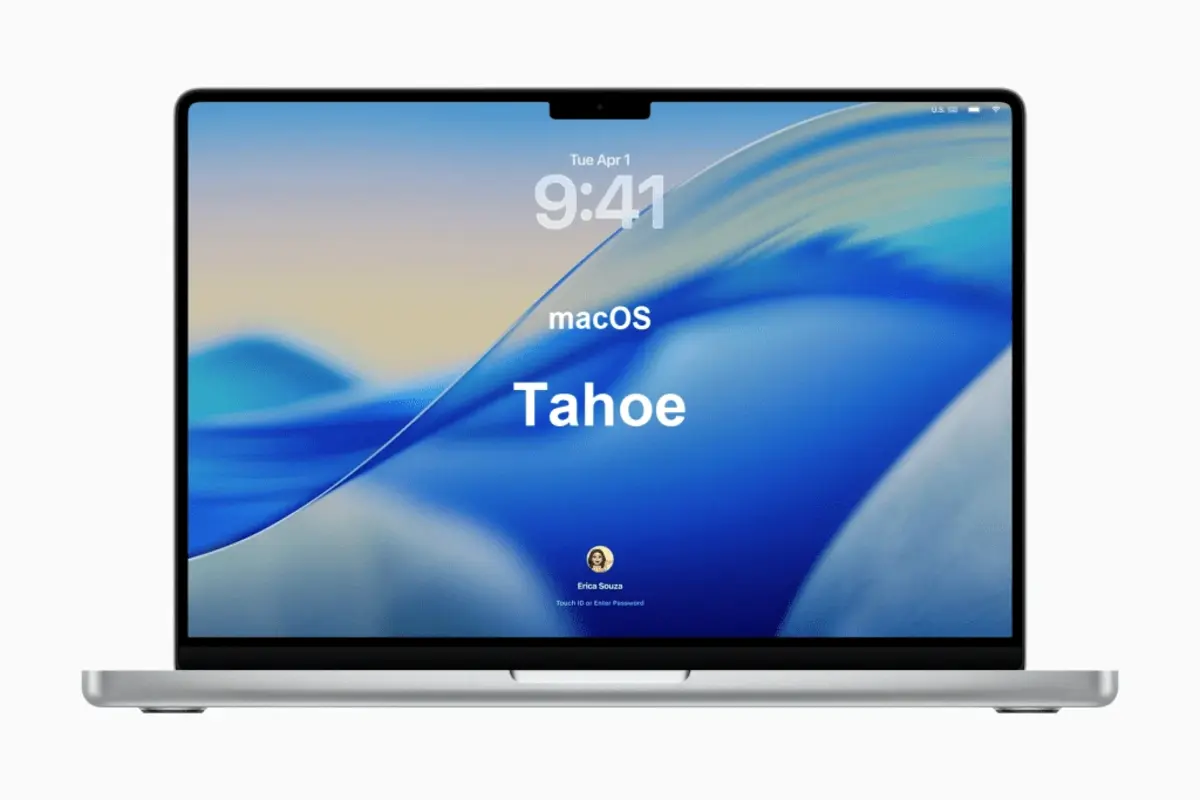
On June 8th the WWDC26 will have macOS 27 as one of the main protagonists. Apple officially announced the compatibility list for the new operating system and we already know the list of devices considered old guard for Cupertino’s company.
After macOS 27 official update, the list of old guard devices won’t be able to run the latest operating system version. It’s common for Apple updates to introduce several old models that are gradually forgotten. In this article you will find all the macOS 27 information.
Mac models with Intel say goodbye in macOS 27
Mac models with Intel x86 architecture processors will not be available for update anymore. Now Mac is pointing only towards Apple Silicon ARM devices. All the M series chips run it and the update process will finally be over with the new macOS 27. If you still own an Intel powered Mac this is not good news. However, after 6 years from the last Intel model, the support lasted almost the same that any other Mac model.
Mac models that won’t run macOS 27
- MacBook Pro 16” launched at the end of 2019.
- MacBook Pro 13” launched at the beginning of 2020.
- iMac 27” 5K launched at the beginning of 2020.
- Mac Pro 2019 model.
Any older Mac model won’t be compatible with the new macOS 27 either. The list only includes the models that were compatible with macOS 26.
Updatable devices
The following list includes all the Mac devices that will be able to run the newest macOS 27 version.
- MacBook Neo.
- MacBook Air (13″ – M1).
- MacBook Air (13″ – M2).
- MacBook Air (15″ – M2).
- MacBook Air (13″ – M3).
- MacBook Air (15″ – M3).
- MacBook Air (13″ – M4).
- MacBook Air (15″ – M4).
- MacBook Air (13″ – M5).
- MacBook Air (15″ – M5).
- MacBook Pro (13″ – M1).
- MacBook Pro (14″ – M1 Pro).
- MacBook Pro (14″ – M1 Max).
- MacBook Pro (16″ – M1 Pro).
- MacBook Pro (16″ – M1 Max).
- MacBook Pro (13″ – M2).
- MacBook Pro (14″ – M2 Pro).
- MacBook Pro (14″ – M2 Max).
- MacBook Pro (16″ – M2 Pro).
- MacBook Pro (16″ – M2 Max).
- MacBook Pro (14″ – M3).
- MacBook Pro (14″ – M3 Pro).
- MacBook Pro (14″ – M3 Max).
- MacBook Pro (16″ – M3 Pro).
- MacBook Pro (16″ – M3 Max).
- MacBook Pro (14″ – M4).
- MacBook Pro (14″ – M4 Pro).
- MacBook Pro (14″ – M4 Max).
- MacBook Pro (16″ – M4 Pro).
- MacBook Pro (16″ – M4 Max).
- MacBook Pro (14″ – M5).
- MacBook Pro (14″ – M5 Pro).
- MacBook Pro (14″ – M5 Max).
- MacBook Pro (16″ – M5 Pro).
- MacBook Pro (16″ – M5 Max).
- iMac (M1).
- iMac (M3).
- iMac (M4).
- Mac mini (M1).
- Mac mini (M2).
- Mac mini (M2 Pro).
- Mac mini (M4).
- Mac mini (M4 Pro).
- Mac Studio (M1 Max).
- Mac Studio (M1 Ultra).
- Mac Studio (M2 Max).
- Mac Studio (M2 Ultra).
- Mac Studio (M4 Max).
- Mac Studio (M3 Ultra).
- Mac Pro (M2 Ultra).
All the new Mac devices and up until macOS 28 will also be compatible with the 27 version.
Apple Silicon Mac devices that also say goodbye
All the M series Mac devices will be compatible with the new operating system. Although the apps without ARM adaptation will stop functioning because Rosetta 2 will be eliminated and it was the tool for code transcription.
Rosetta 2 allowed executing apps for Intel in Mac devices with Apple Silicon. In macOS 27 Rosetta 2 won’t work. The good news is that all the popular apps have already been adapted.
The new macOS 27 version will be transitional as well as iOS 27. It will include several AI tools like the new Siri. On June 8th the inaugural keynote will present most of the updates for the audience. In the following presentations we will learn everything there is to know about the new macOS system.