
Different software solutions include more features and Artificial Intelligence tools recently. Even web browser options include chatbots and other AI functions to improve the Internet experience. Perplexity tool option for example, is now available for the Mozilla Firefox web browser and you can make the most out of it.
Little by little the Perplexity AI options as well as other developers are included into several web browser software solutions like Google Chrome or Mozilla Firefox among others. One of the most popular AI assistants is from Perplexity and now you can use it directly from your Mozilla Firefox session. Here you will learn how to integrate it and make use of it.
How to use Perplexity AI chatbot in Firefox
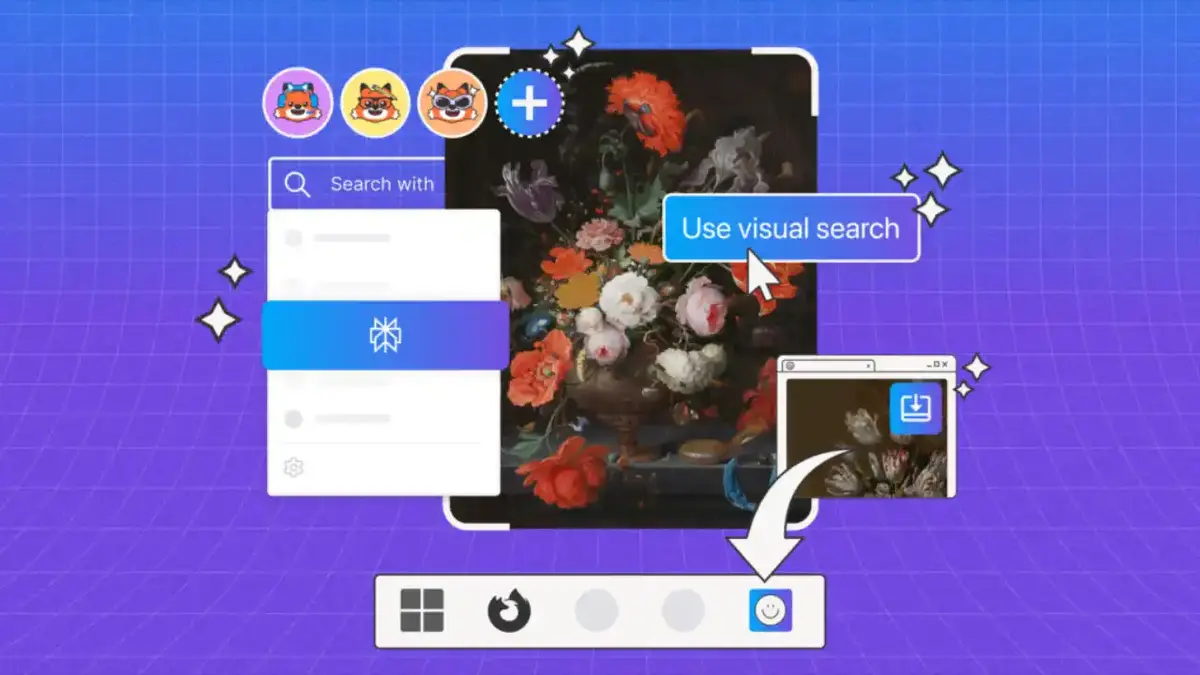
If you want to use Perplexity AI chatbot directly from Firefox you only need to click on the downside arrow icon next to the search icon in the address bar. Then you will have a dropdown list with several options, there you have to click on Perplexity.
The next step is to type your application and wait for the AI response. If you already know how Perplexity works, then you fill find it extremely easy and quick for your Firefox experience. However, if you are one of those users who don’t want AI tools you can also disable it. The process to disable and eliminate Perplexity tool from Firefox browser is relatively easy.
Steps to disable and eliminate Perplexity AI
In order to disable Perplexity AI in Firefox or uninstall it you have to access the Settings menu. Follow these steps:
- Press the three horizontal lines button in the upper right corner of Firefox.
- Open the browser menu and select Settings.
- In the Search bar look for Search shortcuts.
- Uncheck the Perplexity box.
Once you have done this, the Perplexbity chatbot won’t be included in your search engine list. You can re enable it at any moment. If you want to erase it definitely you can click on the Eliminate button below the Perplexity box.
Do you have any questions or problems related to the topic of the article? We want to help you.
Leave a comment with your problem or question. We read and respond to all comments, although sometimes it may take a while due to the volume we receive. Additionally, if your question inspires the writing of an article, we will notify you by email when we publish it.
*We moderate comments to avoid spam.
Thank you for enrich our community with your participation!