
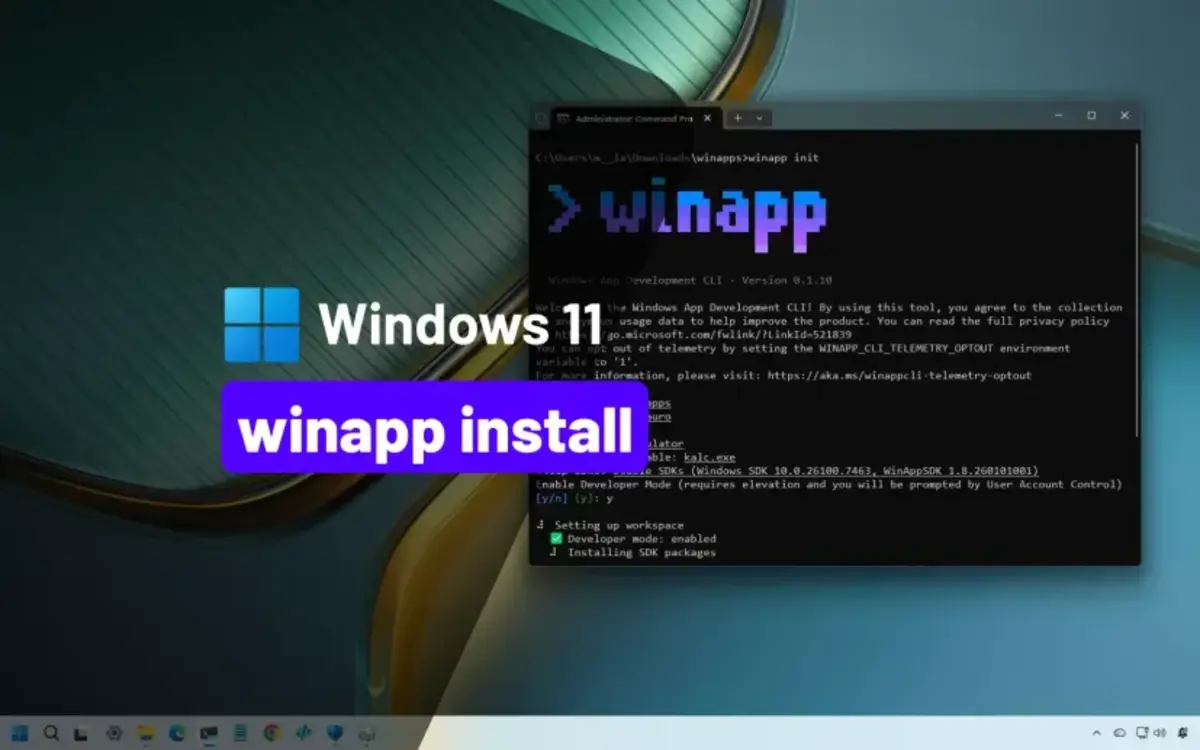
Microsoft has been including new tools in Windows for a wide variety of functions. From PowerToys to Sysinternals, or the latest WinApp to create apps without knowing coding, you can choose among different alternatives.
The latest Windows version includes WinApp, a new tool for programmers with easy methods for beginners or enthusiasts. In this article you can learn how to make use of the new app and the requirements for it.
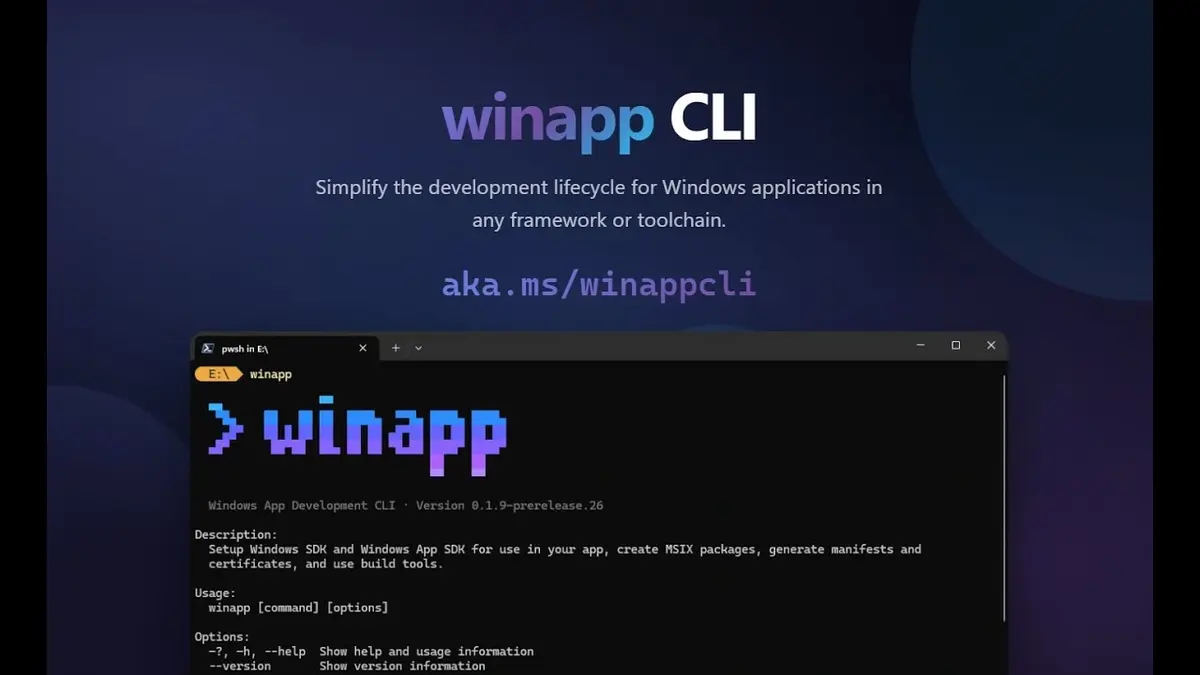
What is WinApp for and how to use it?
Although Visual Studio is Microsoft’s Integrated Development Environment, not every user wants to use it or learn its technical details. The main reason for this is that Visual Studio is big and heavy software with complex tools. App developers usually prefer other code editors such as VS Code or Cursor. Now thanks to WinApp you will be able to easily create apps directly from Windows without installing third party apps.
WinApp works as a mediator to make processes easier. It’s a command line interface that simplifies for Windows any other software created with external editors. Even if you don’t have Microsoft Visual Studio documentation fully learned, you can make your own apps.
The new WinApp software solution is made for multiplatform purposes and developers who work outside Visual Studio or MSBuild. It’s a great tool for those who use Python, Rust, Dart, Net, C++ or JavaScript languages. You can use the terminal to create, edit and manage apps in a faster way. When working outside the traditional environment, it’s a fundamental tool to deal with modern APIs as well as AI functions, services and security measures.
Key features of WinApp: settings, identity and packaging
You can download the new tool from the GitHub official repository and use it with the command “winapp init”. This code allows you to directly automate the project dependencies. It also fixes any Package Identity issues and avoids the internal depuration bucle.
Most of the key functions make the app extremely easy to use. You can automatically update visual resources with “appmanifest.xml”, make and executable with Windows temporal identity using “winapp create-debug-identity (name of the app.exe) or reinstall the environment with “winapp restore”.