
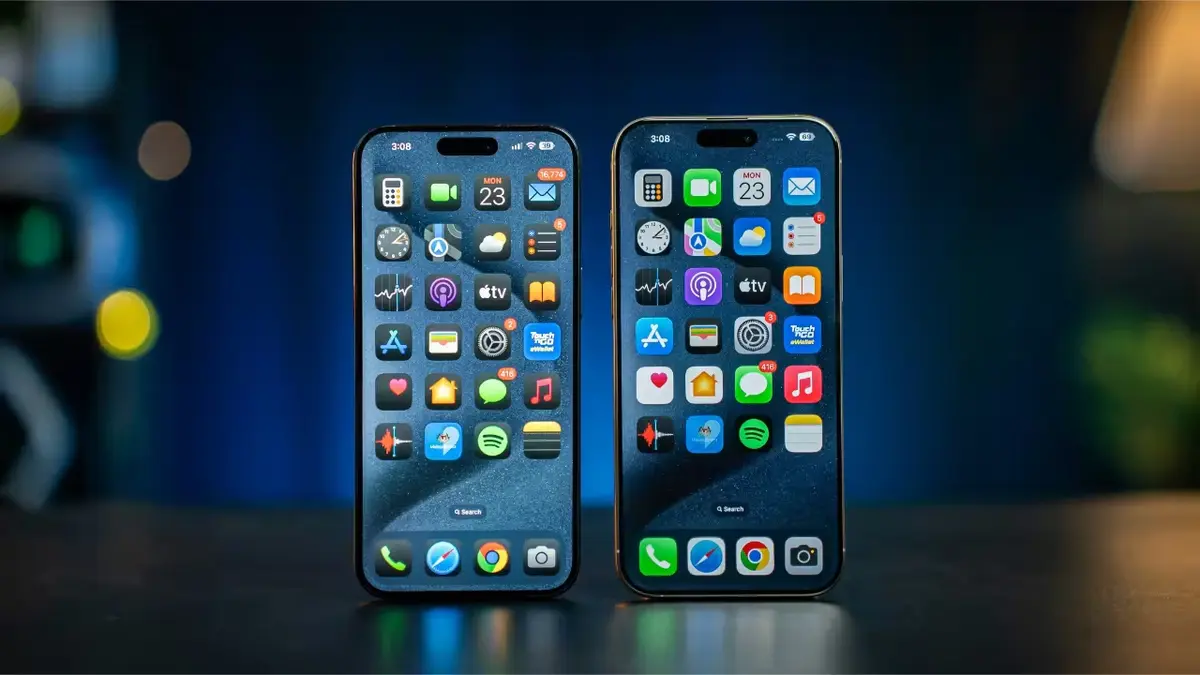
When a new operating system is ready for launch, there are different development stages. iOS 26 beta is now on public beta in order to have an oficial launch on september. The cycle includes design, internal tests and beta testing.
The beta testing process may last weeks or months. The iOS 26 beta allows for software improvement and different changes in order to get a stable versión. In this article you will learn how to install iOS beta 26 and how to start testing the public versión of the newest iOS experience.

Requirements to install iOS 26 beta
Installing iOS 26 public beta is very simple. Apple made the process easier and you can do it totally free and from the official website. You only need your iPhone and Apple ID. It’s important to understand the difference between a developer beta and a public beta.
The developer beta is available directly from Apple and it may include errors that developers find and fix. A public beta is a similar version but fixed in order to give users a more stable experience even if it’s not fully developed yet.
Usually, Apple launches developer beta a month earlier in order for developers to work with the operating system. Although the core operating system is the same, the public beta is more stable. In a public beta you shouldn’t find critical errors because the technical team has already depurated them.
Install iOS 26 public or developer beta step by step
A developer beta is only for those with knowledge about iPhone and apps development. You only need to register on the website developer.apple.com and from the Account section log in. Accept terms and conditions and you can install developer beta for free in just a few minutes.
- Go to Settings – General – Software update.
- Select Beta updates and choose the developer version.
- Install the iOS 26 public beta version
- You will need to wait for the second half of July to download the public beta. The steps are the following:
- Log in to beta.apple.com and accept terms and conditions.
- Open Settings – General – Software update.
- Select Beta updates – Public beta.
You will automatically install the iOS 26 beta version on your iPhone to start testing the newest operating system experience from Apple. Usually, the Cupertino company updates the beta every seven or fifteen days.
Do you have any questions or problems related to the topic of the article? We want to help you.
Leave a comment with your problem or question. We read and respond to all comments, although sometimes it may take a while due to the volume we receive. Additionally, if your question inspires the writing of an article, we will notify you by email when we publish it.
*We moderate comments to avoid spam.
Thank you for enrich our community with your participation!