
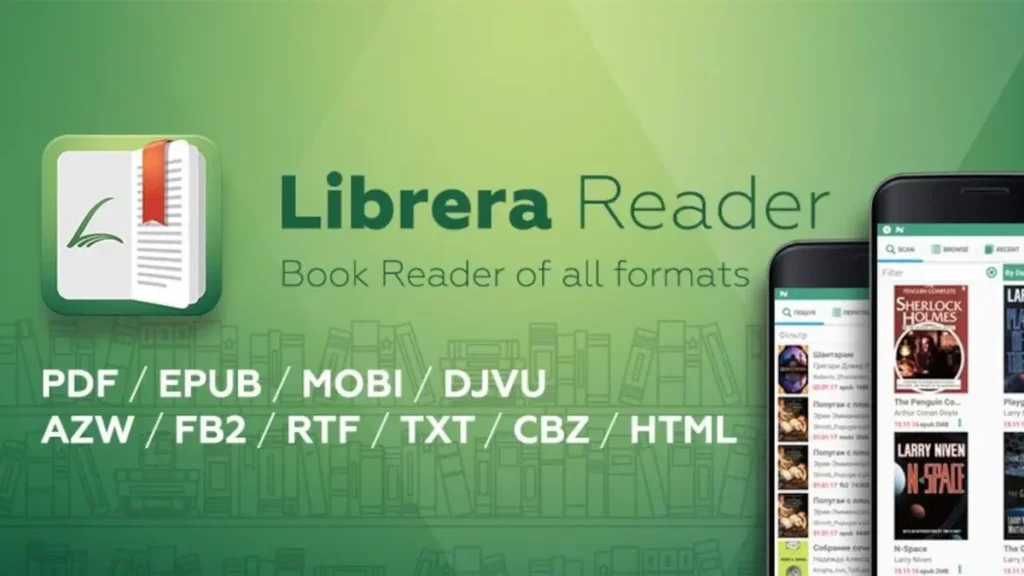
If you usually read books from your Android mobile device, Librera is an Open Source app you should download right now. There are several options in Android to read books but they are full of ads. For example, Moon Reader is a great tool, but you have to navigate through several layers of advertisement in the free version.
With Librera you can read electronic books from an Open Source app and in a very simple and quick way. The user experience with Librera is very comfortable. In this article you will learn how to download and start using Librera Open Source app to make your digital reading a nicer experience.
Librera is the Open Source app for those who love reading
Exploring the numerous GitHub app repositories you will find a lot of Open Source jewels for your Android. There are customization apps, clocks, calls and there you will find Librera, the app for reading from the Open Source community. One of the main features of Librera is the clean and simple interface for a quick user experience.
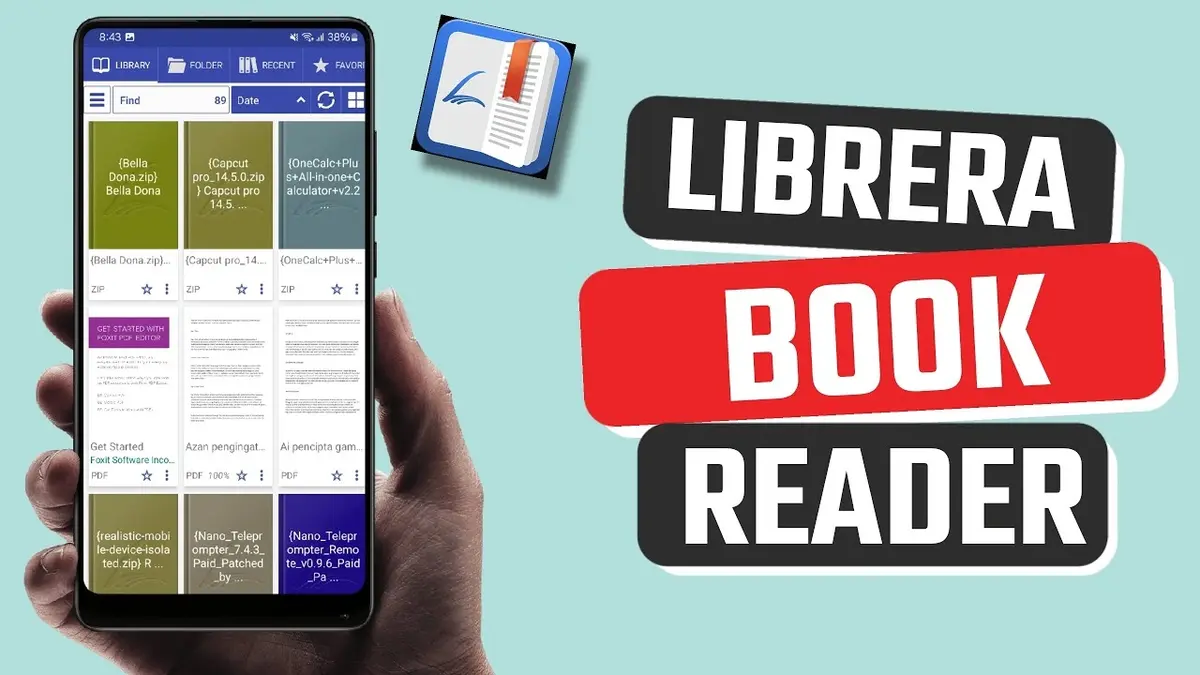
You can easily access folders, particular books, and even bookmark your favorite ones. It’s a great tool to have all your library accounted in a simple app. Although it’s not the most appealing in terms of interface, it’s practical and very useful for the reading activity.
Librera is not a Material You app but you can navigate through different options in a simple and quick fashion. From the home screen of the app you can have a general look to all your stored books and then open each title you want. It also includes a very useful lateral menu to make different filters for your reading material.
- Filter books by format (PDF, EPUB, DOC and 11 other formats).
- Customize the app features and display.
The multiple options of Librera
As well as other Open Source apps, Librera allows for a deep level of customization. You can change the size of letters, screen orientation or choose from a clear or dark theme. It also includes a brightness control to manually adjust the bright level on your screen.
Librera also shows you all the book covers from titles you have download in a grid for an easy access and navigation. And you can configure Google Drive synchronization in case you have a wide collection of books. That way you won’t repeat or miss any title you have already read or are eager to download.
You can enjoy Librera in different versions. The official GitHub repository allows you to download the Pro version for free. You can also use Google Play Store or F-Droid to download the Open Source app. If you want to download Librera Pro version from the Play Store you have to pay 5,49 euros for the no-ads version. Choose the version you like the most and start reading your favorite books in the Android mobile phone or tablet in just a few minutes. A very simple, quick and easy to control reading app.