
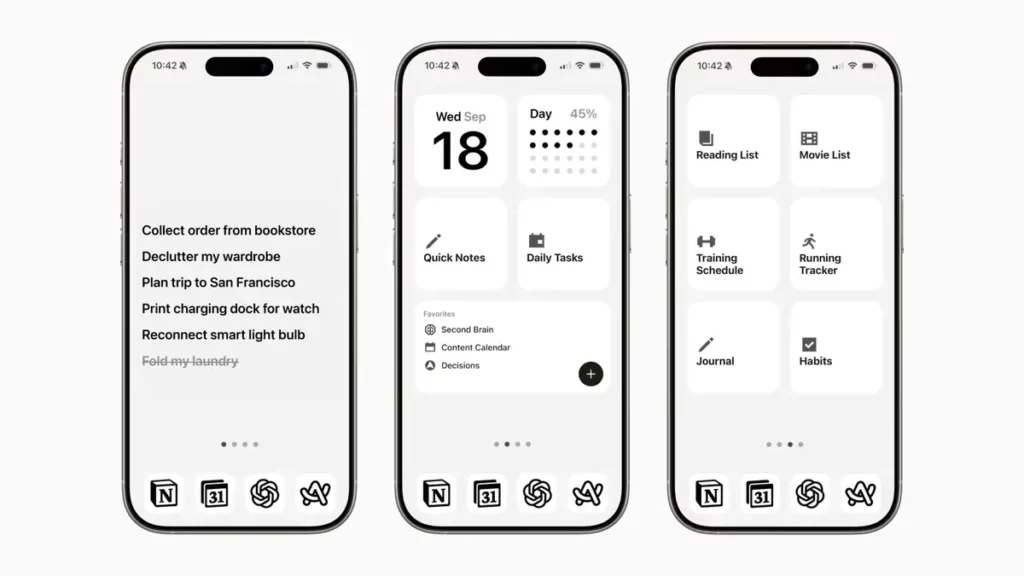
You can make your iPhone home screen cleaner and improve productivity easily. This means that you can choose which apps appear on your home screen and make it look simpler, faster and nicer. In case you find several apps that you don’t use, it’s a good opportunity to check this guide.
Organizing your iPhone home screen doesn’t require a great amount of time or new apps. On the contrary, you can make it look nicer and cleaner with just a few clicks. The most important thing is to think about how you want to make use of your phone. Read this article and get some tips.
The most important aspects of your iPhone home screen
It’s normal to add and accumulate new icons on your home screen. Up to the point when you can have several home screens for all the apps you install. However, the key element for home screen design is accessibility. If you have to navigate through several home screens then you design may be lacking order. These are some elements you can search for in your home screen organization
Minimalist home screen design
It provides easy and fast access to the apps you use the most. You can use widgets and icons for the apps you really use on a daily basis.
Second home screen with the rest of the apps
Use folders and widgets to add a secondary home screen for those apps you don’t use so frequently. But do not include all the apps, just those you occasionally open. Do not set more than 2 home screens.
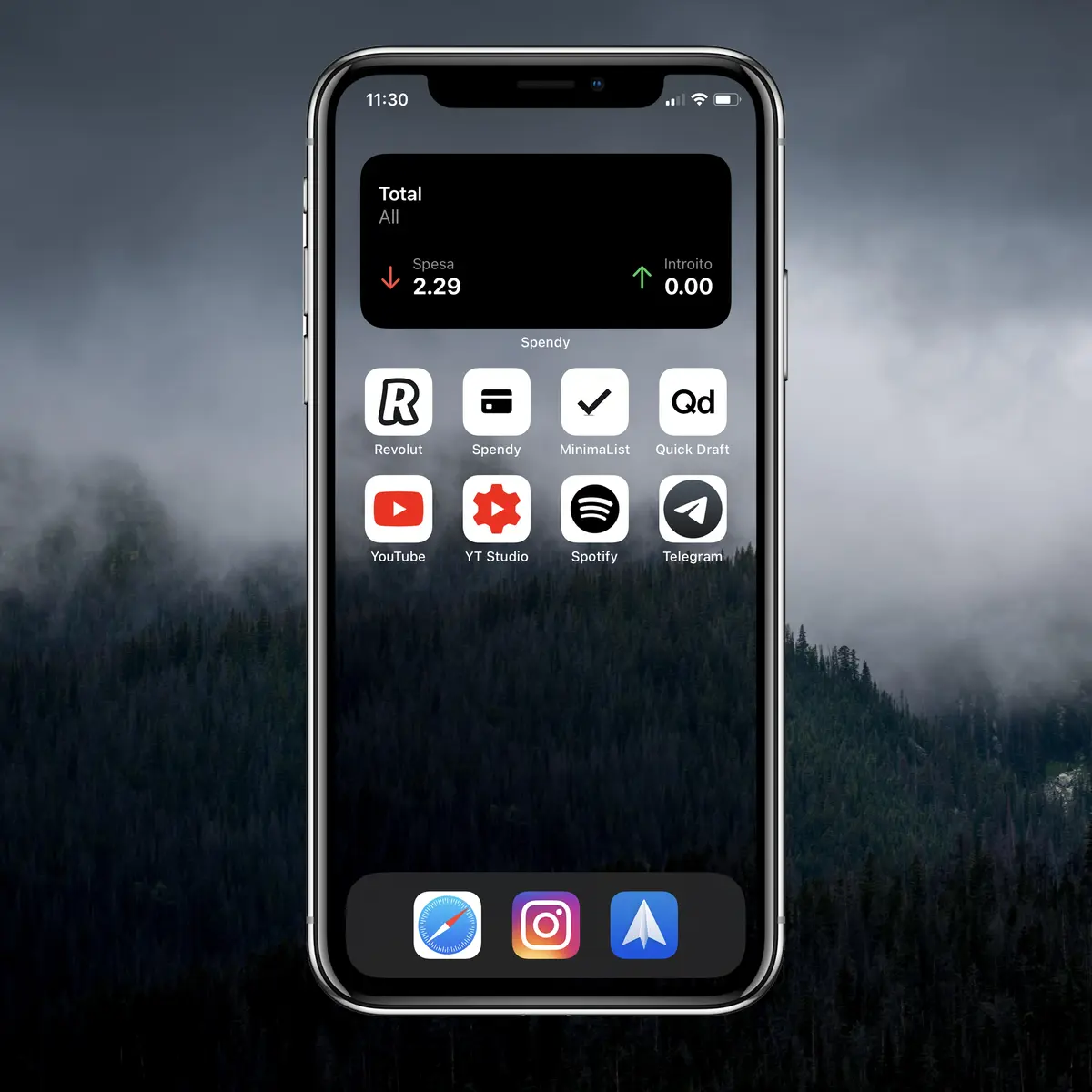
Neutral wallpaper
Do not use wallpapers with photos or elements that may distract you. You can use solid color wallpaper for a more minimalist home screen design. Another option is using the blur effect to avoid distraction.
Eliminate apps you don’t use
It’s normal to install apps and then think that you will need them in the future. But if that future never arrives, you must eliminate them. You can always reinstall them if you really need them.
A change for the better in your iPhone home screen
Changing your iPhone home screen for a minimalist, more ordered setting will help you to increase productivity. You can always find your apps relatively fast when you get accustomed to your design. But you may be losing time you don’t realize. At first you may find your new minimalist design strange, but once you learn to use it, you will notice the difference.
Reduce the visible apps and you will notice that you don’t use them automatically anymore. Make a better use of widgets like Reminders. This is a great app to keep track of your daily activities as well as groceries shopping list. If you have it always on the home screen, you can check what you are doing and make sure you don’t forget any important commitment.
Adapt your iPhone to your preferences
A minimalist iPhone home screen setting is interesting and you can get accustomed to it after certain time. It’s more comfortable and you will start saving up time because you won’t open useless apps automatically.
When you are not surrounded by stimuli, you can focus easily. Detect how you use your iPhone, what you need and what you don’t. Organize your home screen and start saving up space and time for your everyday activities.
Do you have any questions or problems related to the topic of the article? We want to help you.
Leave a comment with your problem or question. We read and respond to all comments, although sometimes it may take a while due to the volume we receive. Additionally, if your question inspires the writing of an article, we will notify you by email when we publish it.
*We moderate comments to avoid spam.
Thank you for enrich our community with your participation!