
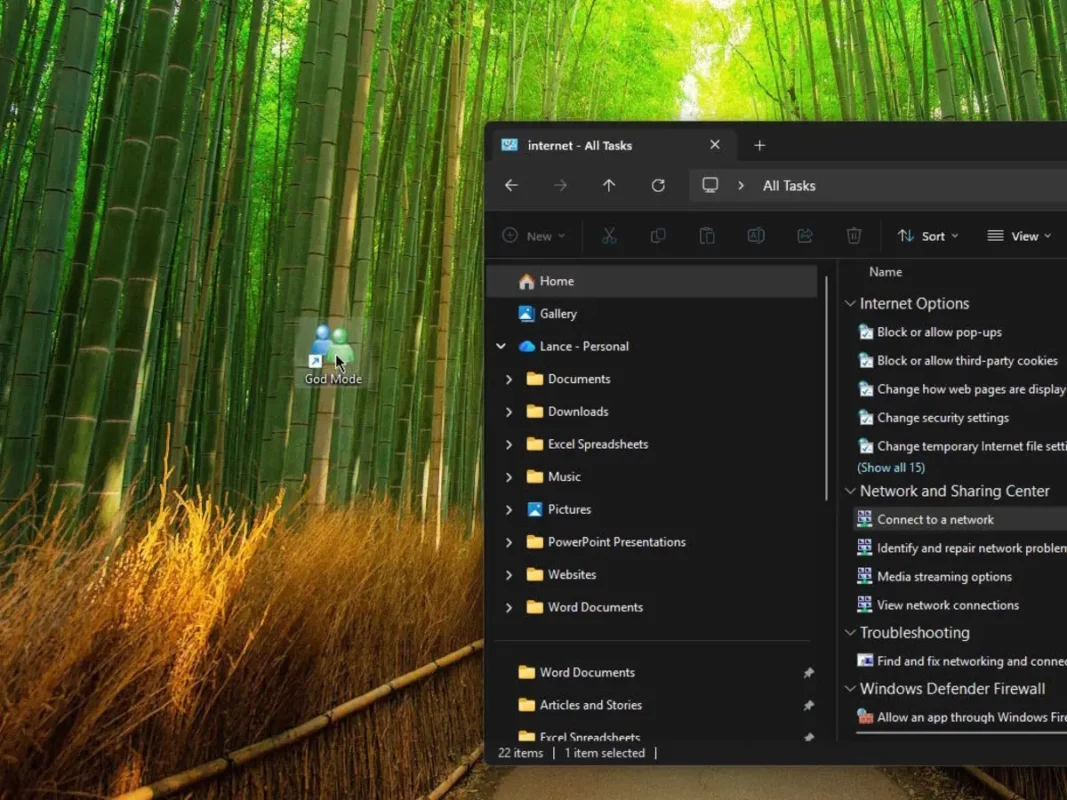
Most Windows’ users only perform daily and standard tasks with Windows 11. But there are certain experts and enthusiasts that want to make the most out of the operating system. In 2026 you can explore new Windows features thanks to the Windows 11 God Mode and this article teaches you how to enable it.
The God Mode is famous among Windows’ users because Microsoft allows it to exert more control over the operating system. If you want to use Windows 11 special mode then you need to follow this process to activate it on 2026 updates of Microsoft’s operating system.
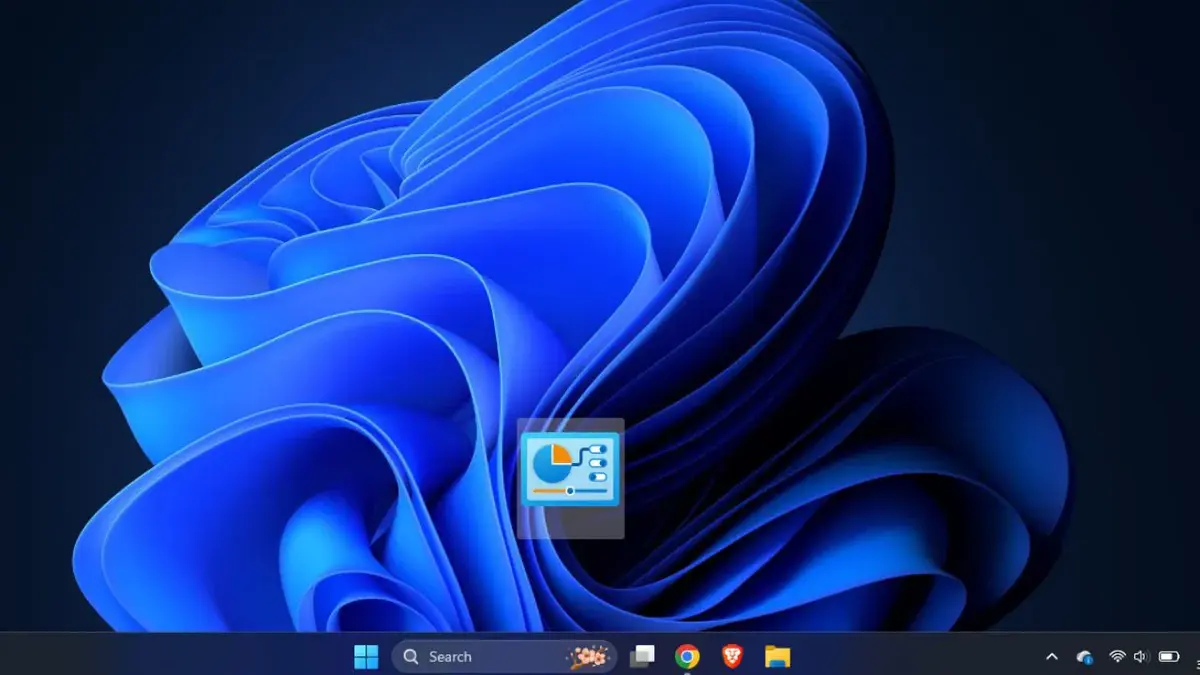
Activate and open God Mode in Windows 11
This special mode in Windows 11 is an excellent option to access the main features and settings in the operating system easily. As the interface shows these features scattered all around different menus, the special mode simplifies it through one screen. Follow these steps to activate the hidden feature.
- Create a new folder in any directory.
- Right click on it and rename it:
GodMode.{ED7BA470-8E54-465E-825C-99712043E01C} - Double click on the new link and you will open the God Mode windows.
A list of God Mode main features in Windows 11
- Credentials manager
- Work folders
- Accessibility center
- Device encryption
- Devices and Printers
- Storage space
- User accounts
- Region
- File story
- Power options
- System
- Windows Defender Firewall
- Troubleshooter
Once you activate Windows 11 God Mode you can access most of the operating system main features directly from a single screen. There are several settings including security and functionality. There are also hundreds of direct accesses to apply a more careful control over Windows 11. Besides, God Mode in Windows 11 is still updating in 2026.
If you want to save time when setting your Windows 11 experience, you can try the special mode for fast access to the main features of Microsoft operating system. It’s easy to navigate and full of quick access features.