
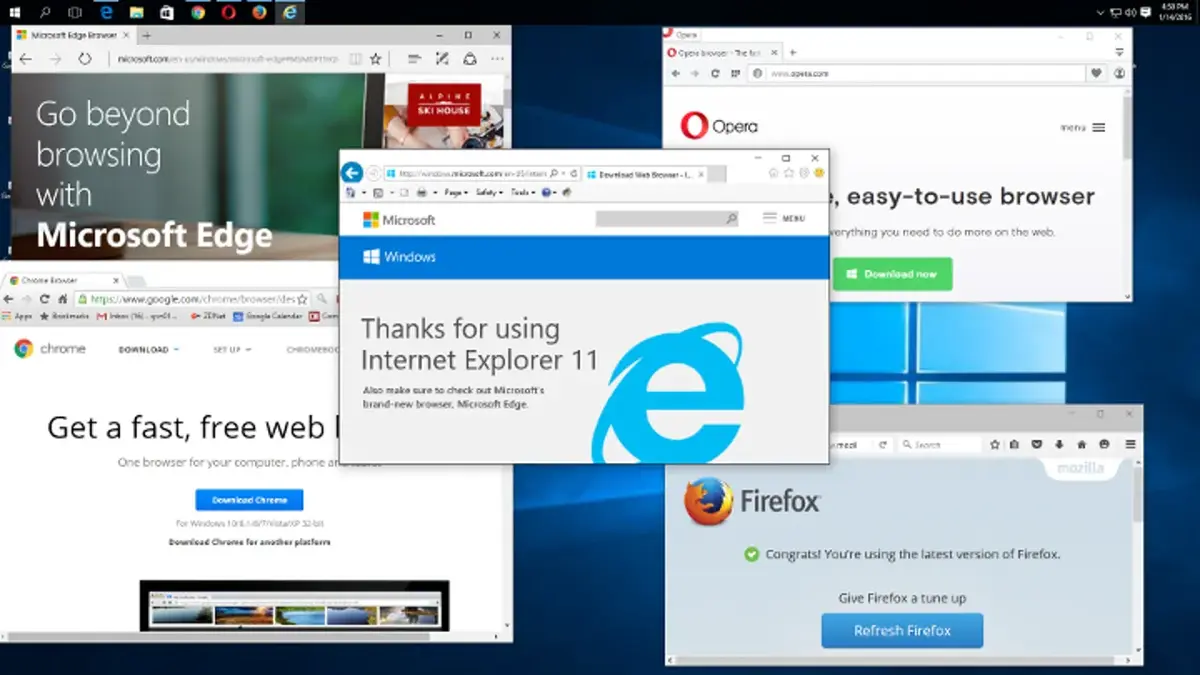
Thanks to the new storage units and processing power of electronic devices, you can install several more apps in your computer or mobile phone. For example, in Windows computers you can install different web browser solutions in order to navigate the Internet. It’s a good idea to have different browsers installed in order to try them if a website does not load correctly.
Online experience in 2026 is extremely different. A web browser is the interface you have to use in order to explore the online universe. Main web browser options for Windows and other operating systems include Chrome, Opera, Firefox and Safari, but there are a lot more. The competition is fierce and that’s why the developers are always updating the apps with new features.
Improving Windows browsers with new features and tasks
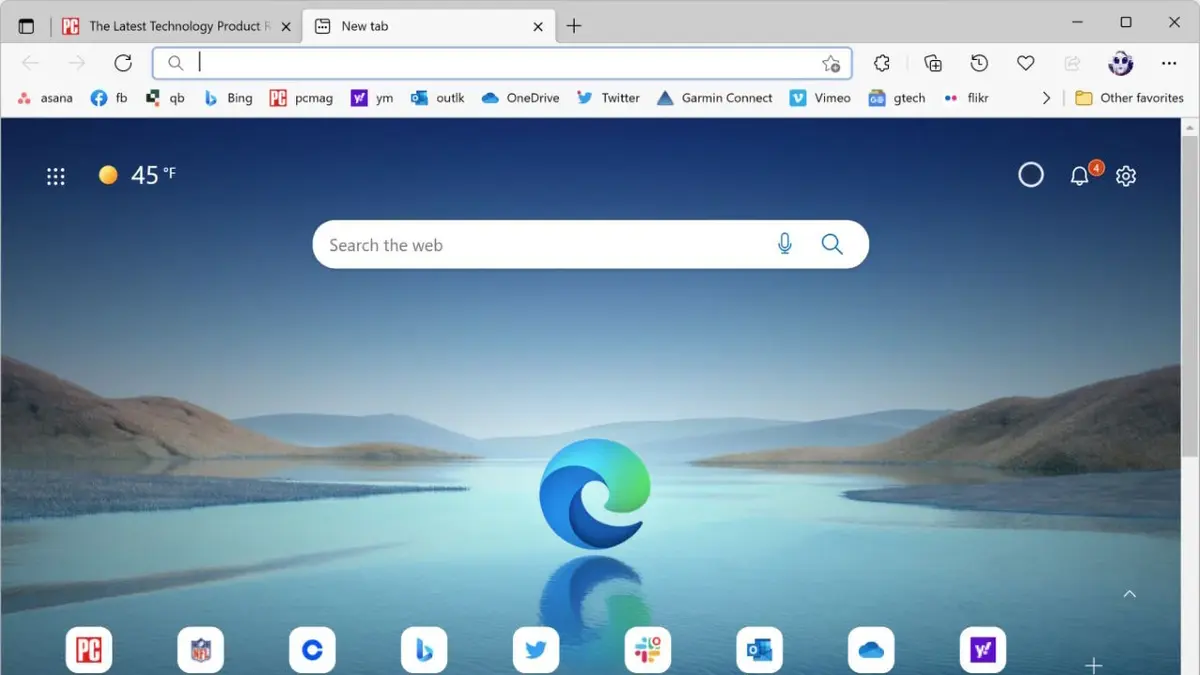
The regular web browser updates in Windows allow new security measures, navigation features and other characteristics. The most popular web browsers today include Google Chrome, Microsoft Edge, Firefox, Brave and Opera. But although Chrome is the most popular, the rest of browsers are also interesting in terms of features and speed.
If you are looking for a reason to install several web browsers, first of all you should know that there is no compatibility issue. You can have as much as apps as you want to perform the same task. At least in terms of web browsing it’s not a problem, because antivirus tend to generate incompatibility. The following is a list of reasons to install different web browsers in your Windows computer.
Various interfaces and environments for users
If you want to watch videos, play online videogames or work, you may use a different web browser for each task. It’s a good solution to keep the information separated and avoid having all your data in one software solution.
Depending on your priorities
Some web browsers focus on privacy and security, while others are extremely light for a quicker browsing experience. You can use a different web browser for each of your daily needs and depending on the performance of each.
Try different settings
Most of the web browser solutions nowadays include customizable settings that you can take advantage of for your comfort. You can set a web browser for your online gaming and other for the video watching activities.
Most popular web browser in Windows and its main feature
In terms of web browsing, each of the most popular software solutions includes at least one key feature. For example, Google Chrome is for those who seek speed and compatibility with most of the websites. Mozilla Firefox, on the other hand, is a free software with a focus on privacy. Safari is the optimized software for Apple devices and Microsoft Edge is a great option for productivity and compatibility in Windows devices. Finally, Brave highlights for the customization of blocking content and Opera is one of the most complex because of several features it includes in each update.