
Nowadays, optimization of videogames is a very thoughtful process. You have to do it carefully in order to get the best performance from your graphic card. If everybody could buy a NVIDIA RTX 5090 it wouldn’t be necessary, but there are certain graphics settings you should perform in most computer models.
Unless you are playing multiplayer games, the minimum you should get with your videogame graphics settings is a regular 60 FPS performance. If you don’t get this speed, you will see lagged and choppy games. In this article you will learn which of the latest graphics settings consume the FPS for your favorite titles.
Ray Tracing graphics settings
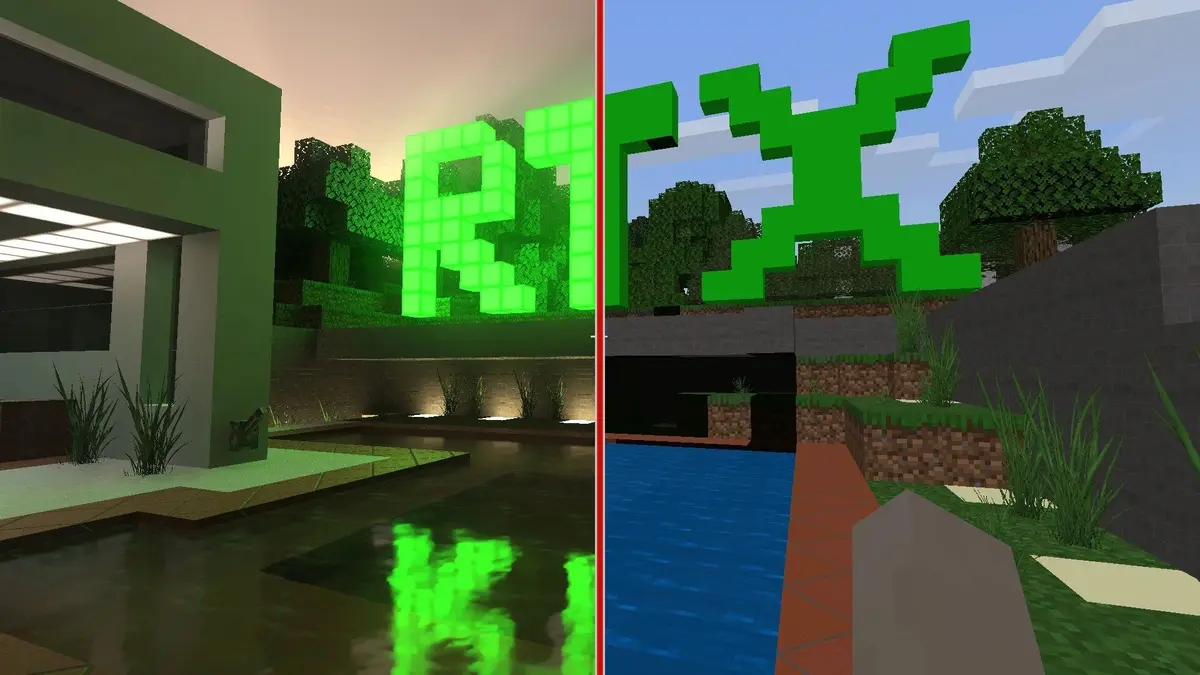
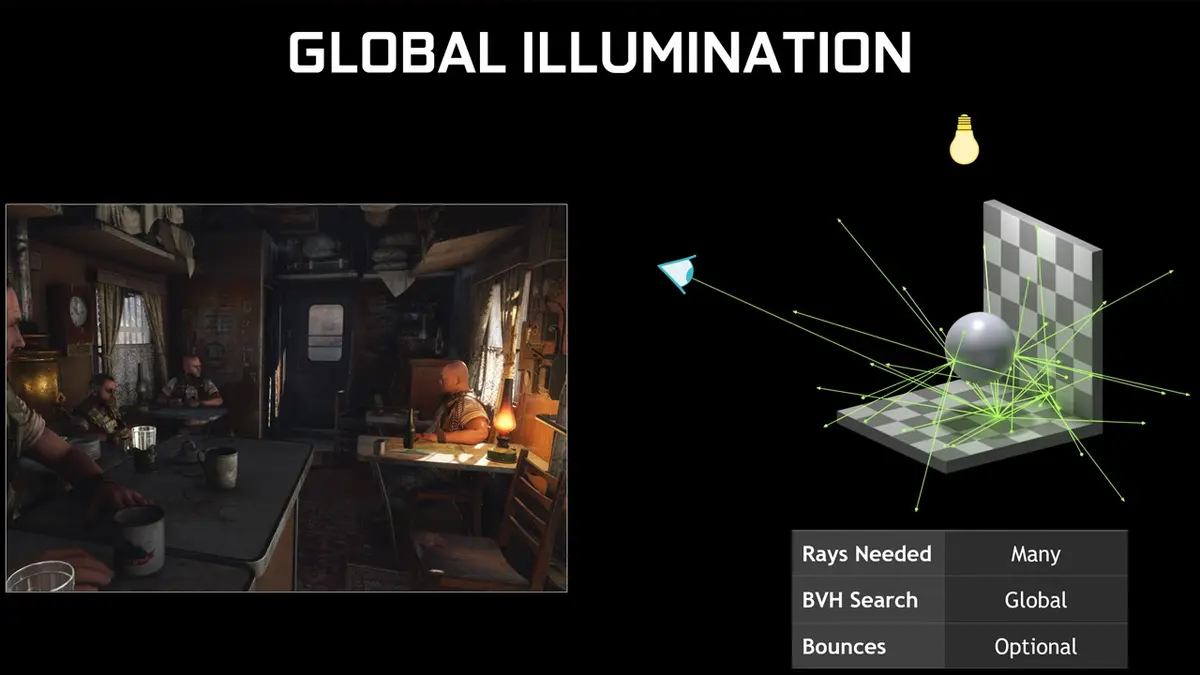
Ray tracing is the most demanding graphic technology nowadays. It can emulate almost perfectly the behavior of light. However, it also demands a high FPS amount reducing almost half of the output performance. If you need to make your game run faster, you may have to disable it.
It’s true that ray tracing graphics settings affect image quality, but it’s also true that the details are not always perceptive for those who aren’t enthusiasts of videogames. Shadows in videogames are basic in order to make people and objects look realistic. If you don’t have shadows, it would be as if the elements are floating in the environment. At the end of the day, ray tracing affects the frame rate. You can set it in a middle value and recover almost 20% of your FPS.
There’s also ambient occlusion or SSAO / HBAO, a 3D render technique that affects visual field. In graphics settings you can also lose certain FPS if the value is too high.
Volumetric lighting quality
It’s similar to ray tracing in terms of FPS demand. It emulates the way of light trespassing certain objects such as snow, trees, clouds, rain and windows. If you set it in middle values you will get more FPS and a great image.
Anti-Aliasing
Anti-Aliasing technology allows for smoother edges on your graphics. It affects FPS performance but in a software way. You can select Quality mode in order to re-escalate graphics without a high impact on FPS final performance.
How to get at least 60 FPS in your videogames
In this summary you can find the best graphics settings in order to get 60 FPS without problems in your graphic card. The configuration allows to get stable 60 FPS for your running videogames.
Do you have any questions or problems related to the topic of the article? We want to help you.
Leave a comment with your problem or question. We read and respond to all comments, although sometimes it may take a while due to the volume we receive. Additionally, if your question inspires the writing of an article, we will notify you by email when we publish it.
*We moderate comments to avoid spam.
Thank you for enrich our community with your participation!