
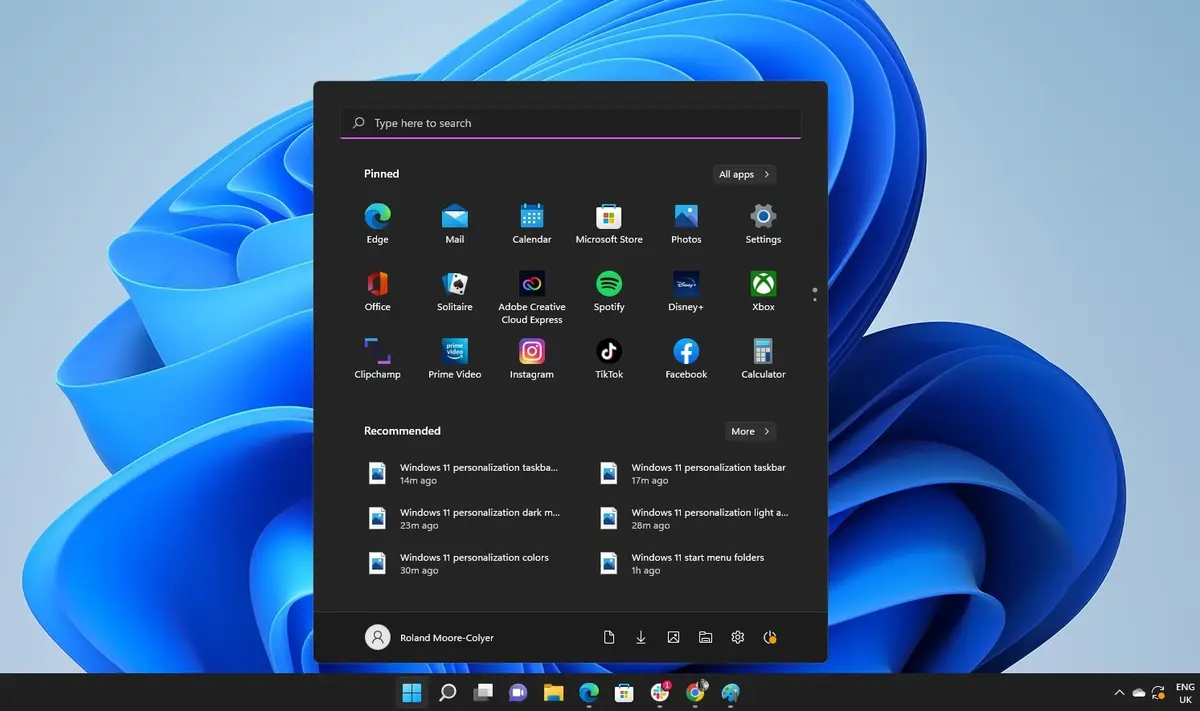
The newest Windows 11 update breaks Start menu but you can easily fix the issue. It’s not that rare for updates to generate certain problems, but thankfully Microsoft team is also developing solutions for these issues.
In the latest Windows 11 update the software modification breaks Start menu but you can fix it and restore the search bar option immediately. In case you have the 23H2 version installed, this article will show you how to fix the Start menu search function problem in a few clicks.
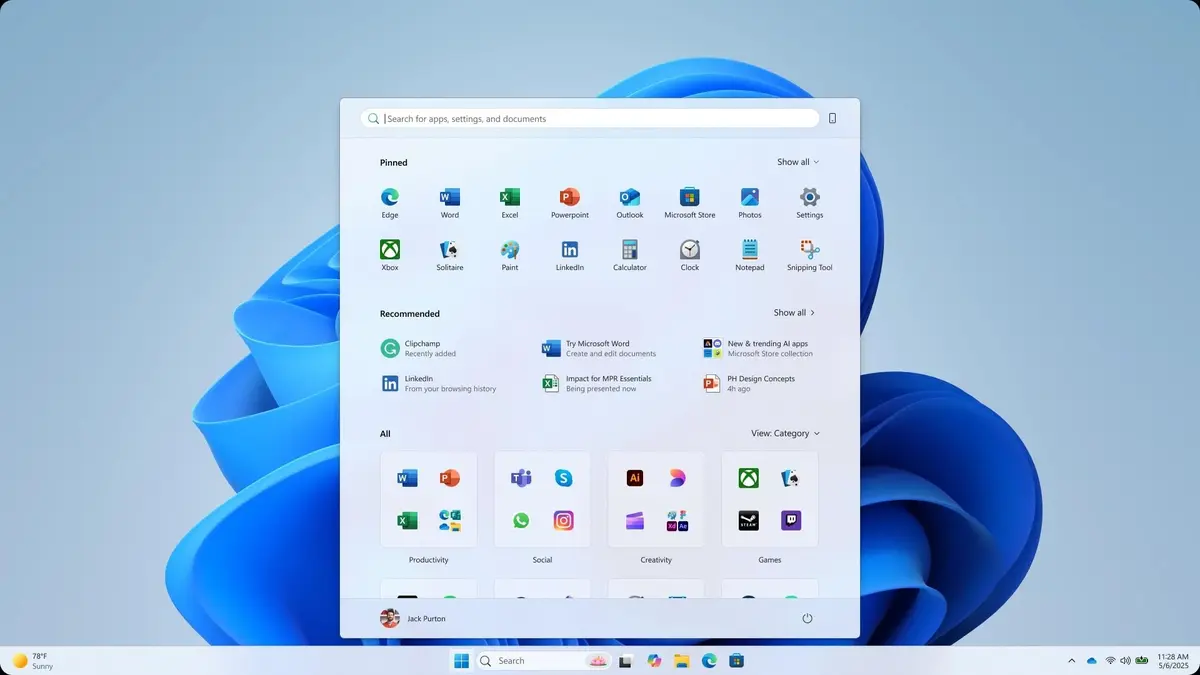
Windows 11 update Start menu problems and quick fix
Microsoft quickly recognized the issues with the latest Windows 11 update that breaks search feature in the Start Menu. You don’t need to install new files in order to recover the function but it’s important to understand why it broke.
The WI1273488 update from 2026, April 6th generated users problems with search options. Official announcements indicated Bing update as responsible for a problem in servers update and Microsoft started to search how to fix it. The Bing update had improvements in search speed as goal, but it ended up breaking the operating system features.
Rather tan improving user experience, the update broke the server functionality. Most users can’t search for files or open apps from the Start menu. Those who still have the update installed can only see empty panels instead of search results. In forums, users explained that Start menu just didn’t recognize typing or indications, making it impossible to interact with the search function.
According to Microsoft, only a group of users with Windows 11 23H2 installed was affected. But the Start menu issues and the problems with update packages are regular with the latest Windows version.
The main issue with update problems in Windows 11 is that new and experienced users suffer it alike. It’s not an issue regarding experienced users experimenting new features but official updates that go wrong. Although the problem may still be present in certain devices, Microsoft already fixed the update and you can download it again to fix the issue.