
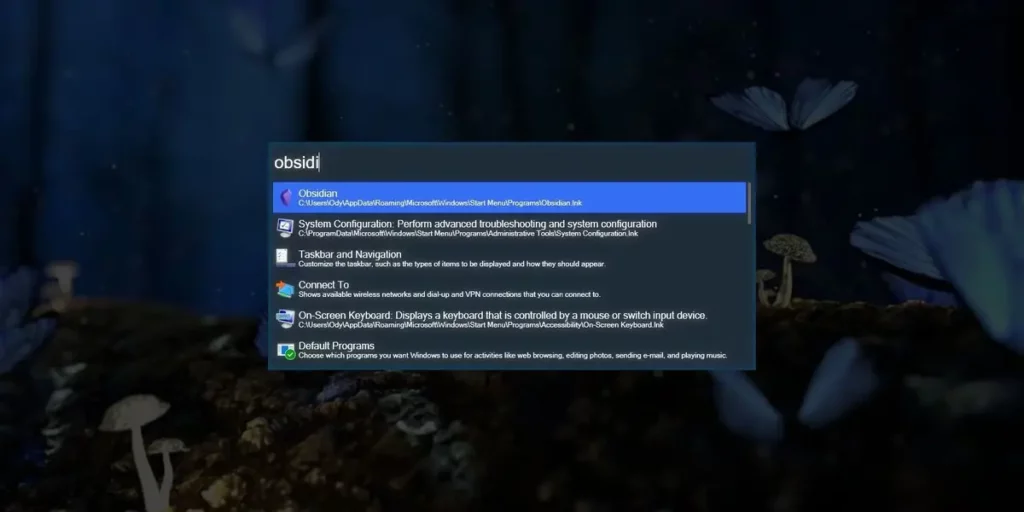
If you already know how useful the macOS Spotlight feature is, now you can install i ton your Windows PC. It will help you to find files, open apps, perform calculations and more. You can do all this only from a pop up bar.
The Spotlight feature in Windows can be emulated thanks to different apps that even add new characteristics to the function. In this list you will find fast, light apps that you can integrate easily into your work flow to make use of Spotlight feature in Windows with just one click. Most of them are open source and compatible with Windows 10 and 11 alike.

Improve and enjoy the Spotlight feature in Windows
Microsoft PowerToys Run is the first option. It’s a Microsoft made Spotlight clone app that you need to download from the Microsoft Store. Once you download it, you can use it as a full assistant for all kinds of stuff. In order to activate the PowerToys tool you have to press Alt + Spacebar. Then you can start a search for apps, files or even features from other programs such as the Calculator. It’s extremely fast and completely integrated with Windows 10 and 11.
Wox
This is a quick launcher with a lot of extensions. It includes quick search and you can integrate it to Google. It also works as a Calculator app. The design is extremely similar to Spotlight but it offers customization options to create your own interface experience. It’s a more flexible alternative than PowerToys Run.
Ueli
An open source minimalist tool that runs in the background and you can call using a keyboard shortcut. You can use it to look for local files, make calculations and even integrate Google or Wikipedia searches.
Listary
Although it’s not as famous as the previous apps from the list, it’s still a good tool. You can perform detailed files and folder searches. It integrates directly with the File Explorer to power up all searches. You can also use it for auto-fill tools and command writing.
Keypirinha
The last option to use a Spotlight feature in Windows is called Keypirinha. It’s extremely fast and customizable and will allow you to open apps, execute commands and search in online databases. The interface is not that pretty but the functionality is superb.